
Simple, yet incredibly knowledgeable.
Monoshiri AI transforms how your team uses information with 6 powerful capabilities.
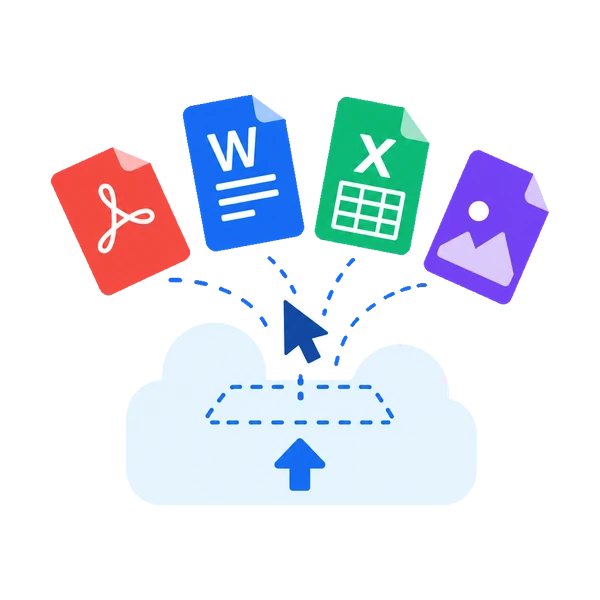
Drag & Drop Upload
Supports all formats including PDF, Word, Excel, PowerPoint, and images. Just drag and drop to upload. No complex setup required.
- Supported formats: PDF, DOCX, XLSX, PPTX, HTML, CSV, TXT, JPG, PNG
- 30MB max per file
- Automatic text extraction
- Automatic file size & format validation
Ask AI
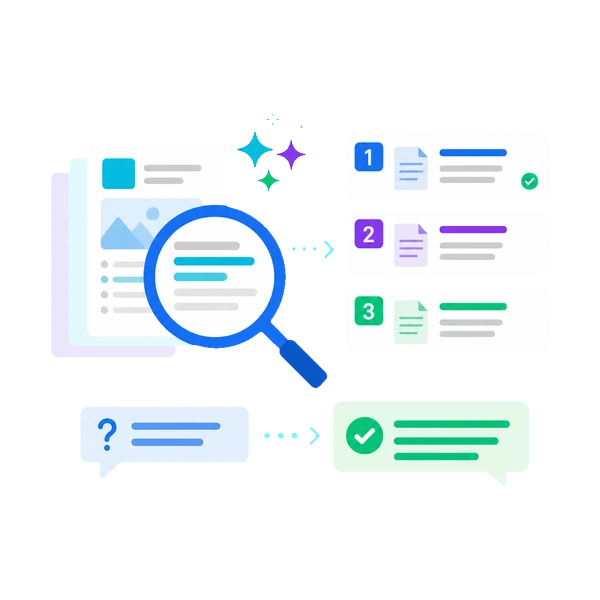
Search by meaning, not keyword matching. Get accurate responses even to vague questions and find the information you need instantly.
- Results ranked by semantic similarity
- Optimized for Japanese
- Free: 150/mo, Light: 1,000/mo, Standard: 3,000/mo, Pro: 20,000/mo
- Shows source documents for each answer
Multilingual AI Responses
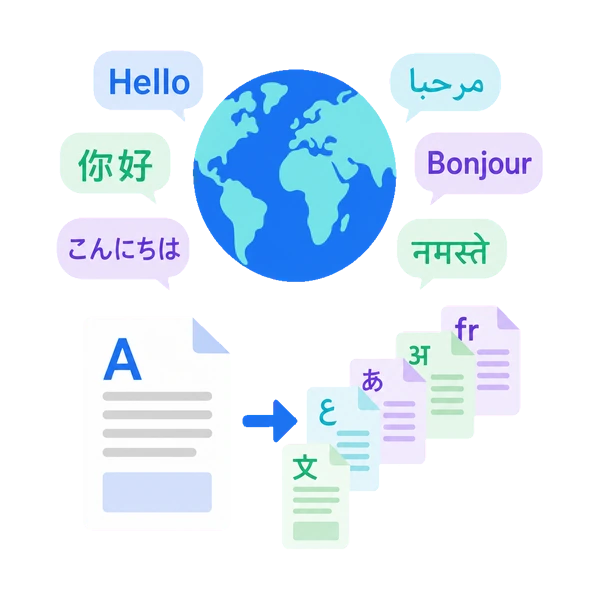
Choose the AI's response language from 13 options in both the dashboard and the embeddable chat widget. Useful for organizations working with international staff or overseas branches.
- Response languages: Japanese, English, Chinese (Simplified/Traditional), Korean, French, German, Spanish, Portuguese, Vietnamese, Hindi, Thai, Indonesian
- On the widget, visitors pick the language themselves. Browser language is auto-detected as the default
- Even when the source documents are in Japanese, the AI translates and responds in the chosen language
- No need to switch products as you add languages — it's all one service
Ask AI + LINE Integration
Ask AI is built right into Monoshiri AI. Just ask in natural language from the dashboard. With LINE integration, ask from LINE too — access information on the go.
- Search within the service
- Ask and get answers from LINE
- Intuitive natural language search
- No additional service subscription needed

No Setup Required
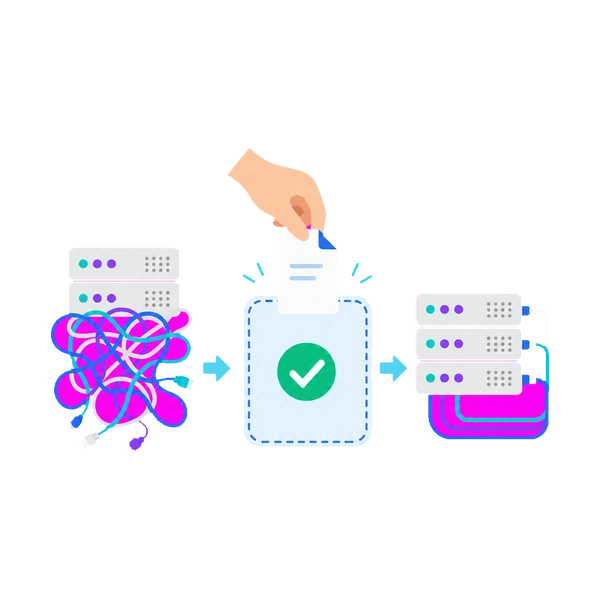
Start using Monoshiri AI immediately after creating your account. No server setup or database configuration needed.
- Ready in as little as 1 minute
- No server setup required
- Maintenance-free
- Auto-scaling supported
Secure Data Management
Encryption, account isolation, and domestic data centers. Data is strictly isolated between corporate accounts.
- Stored in domestic data centers
- Encrypted in transit and at rest
- Complete data isolation between companies
- Never used for AI training

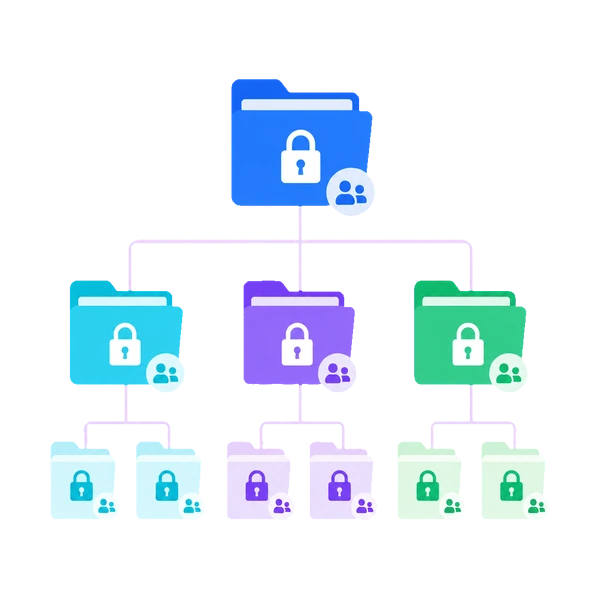
Multiple Folders
Organize documents by department or project. Folder and file limits scale with your plan.
- Folders: Free 1 / Light 5 / Standard 10 / Pro 30
- Users: Unlimited on all plans
- Per folder: Free 30 / Light 100 / Standard & Pro 300 files
- Folder-level view permissions

Start building your team's knowledge base today.
Try it free — no commitment required.
150 queries/month free / No credit card required