
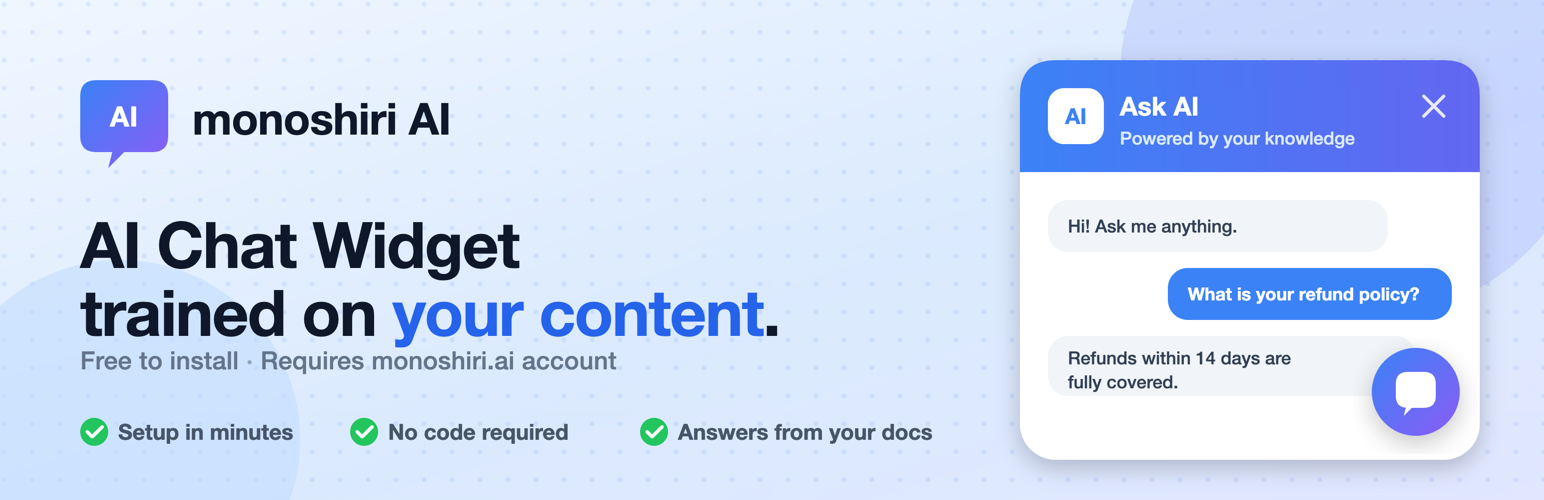
On May 19, 2026, we published "monoshiri AI Widget" -- the official WordPress plugin for our internal knowledge AI Monoshiri AI -- on the WordPress.org official plugin directory.
You can now add an AI chatbot to your WordPress site in three steps -- Search the plugin → Install → Activate -- straight from the WordPress admin. No FTP uploads, no editing functions.php.
- WordPress.org page: https://wordpress.org/plugins/monoshiri-ai-widget/
- Compatibility: WordPress 6.0 or later / PHP 7.4 or later
- License: GPLv2 or later (the plugin itself is free / the widget feature requires a Light plan or higher)
What you'll learn in this article
- The friction of adding an AI chatbot to WordPress today
- What changes with the monoshiri AI Widget plugin
- 5-step setup via the official directory
- Use cases after installation (FAQ automation / visitor support)
- Pricing plans and widget eligibility
Why we built a WordPress plugin
Monoshiri AI is a SaaS that lets you ask questions in natural language against internal documents (manuals, policies, FAQs, meeting notes, etc.). Beyond the in-dashboard chat, you can reach the same knowledge from Slack, LINE, and an embeddable AI chatbot for your website -- multiple channels, one source of truth.
Among these channels, the embeddable web chat widget has the lowest adoption barrier and is one of our most-used integrations. But WordPress users kept telling us things like:
- "I don't know where to paste the embed
<script>tag." - "Editing
header.phpdirectly feels risky." - "When I switched themes, the embed code disappeared."
This is the classic problem of editing theme files directly becoming technical debt at operations time. A plugin keeps your settings intact across theme changes and lets you rotate the API key from the admin screen.
So we decided to ship it as a free plugin through the official WordPress.org review process.
What monoshiri AI Widget does
This plugin is a thin wrapper that places the Monoshiri AI chat widget on your WordPress site.
| Feature | Description |
|---|---|
| AI chat button | Auto-places a chat button at the bottom-right or bottom-left of every page (position selectable in plugin settings) |
| Answer knowledge | Documents you register on the Monoshiri AI side (PDF / Word / Excel / PowerPoint / HTML / CSV / TXT / images, etc.) |
| Display control | All pages / front page only / static pages only / disabled |
| API key test | Verify the connection with the "Test connection" button on the settings screen |
| Mobile responsive | Auto-switches to full-screen display on small screens |
| Multilingual | Auto-detects visitor's browser language and answers in up to 13 languages |
| Theme color | Configurable on the Monoshiri AI dashboard, reflected on your site automatically |
Conversely, scenario design, branching logic, and rule authoring are not required. The system uses vector search (RAG) over your uploaded documents and lets a large language model (LLM) generate the answer -- so there's no "build a script of expected Q&A" step.
For how RAG and scenario-free AI chat work, see Chat Widget Setup Guide.
Installation -- 5 minutes from start to finish
Step 1: Search for the plugin in WordPress admin
In the WordPress admin, go to Plugins → Add New and search for "monoshiri AI" in the search box. When the plugin appears, click "Install Now" and then "Activate".
Step 2: Sign up for Monoshiri AI
Sign up at https://monoshiri.ai/signup. You can register with email, or sign in with a Google or LINE account.
After logging in, add documents from the widget creation screen or enter text directly on the widget screen to register the knowledge. File uploads support PDF / Word / Excel / PowerPoint / HTML / CSV / TXT / images (JPG, PNG), up to 30 MB per file. For short content like FAQs, you can start immediately by entering text only -- no file preparation needed.
The widget feature requires a Light plan (¥2,980/month) or higher. The Free plan only includes the in-dashboard chat.
Step 3: Issue the embed code
In the Monoshiri AI dashboard, create a web widget. Copy the generated embed code (<script> tag).
<script async src="https://widget.monoshiri.ai/widget/embed.js"
  data-api-key="..."
  data-api-url="https://api.monoshiri.ai"></script>
Step 4: Paste it into WordPress
In the WordPress admin, open the "monoshiri AI" menu and paste the full <script> tag you just copied into the "Embed code" field.
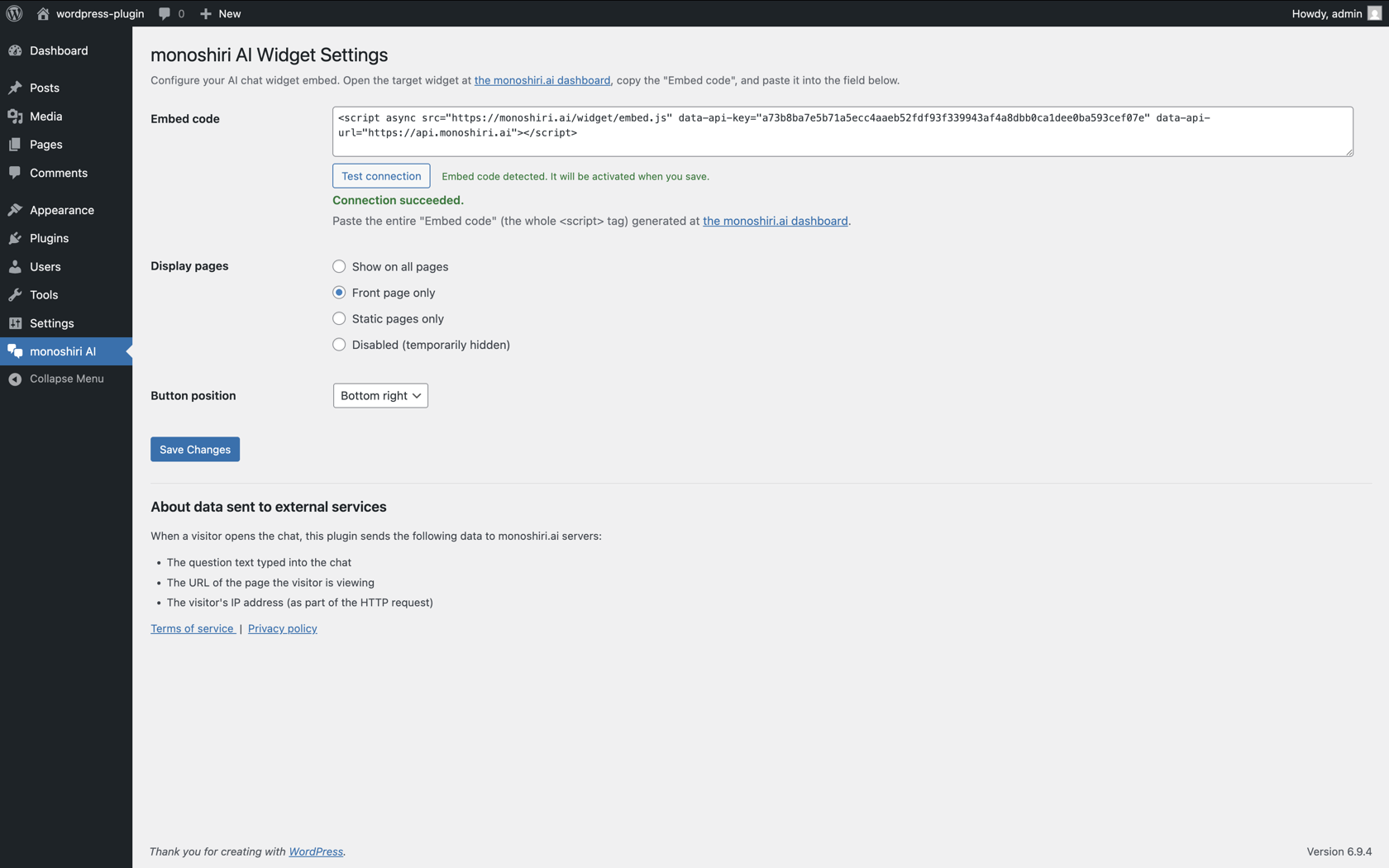
You can verify your API key with the "Test connection" button. If everything is OK, click "Save Changes".
Step 5: Check it on the front-end
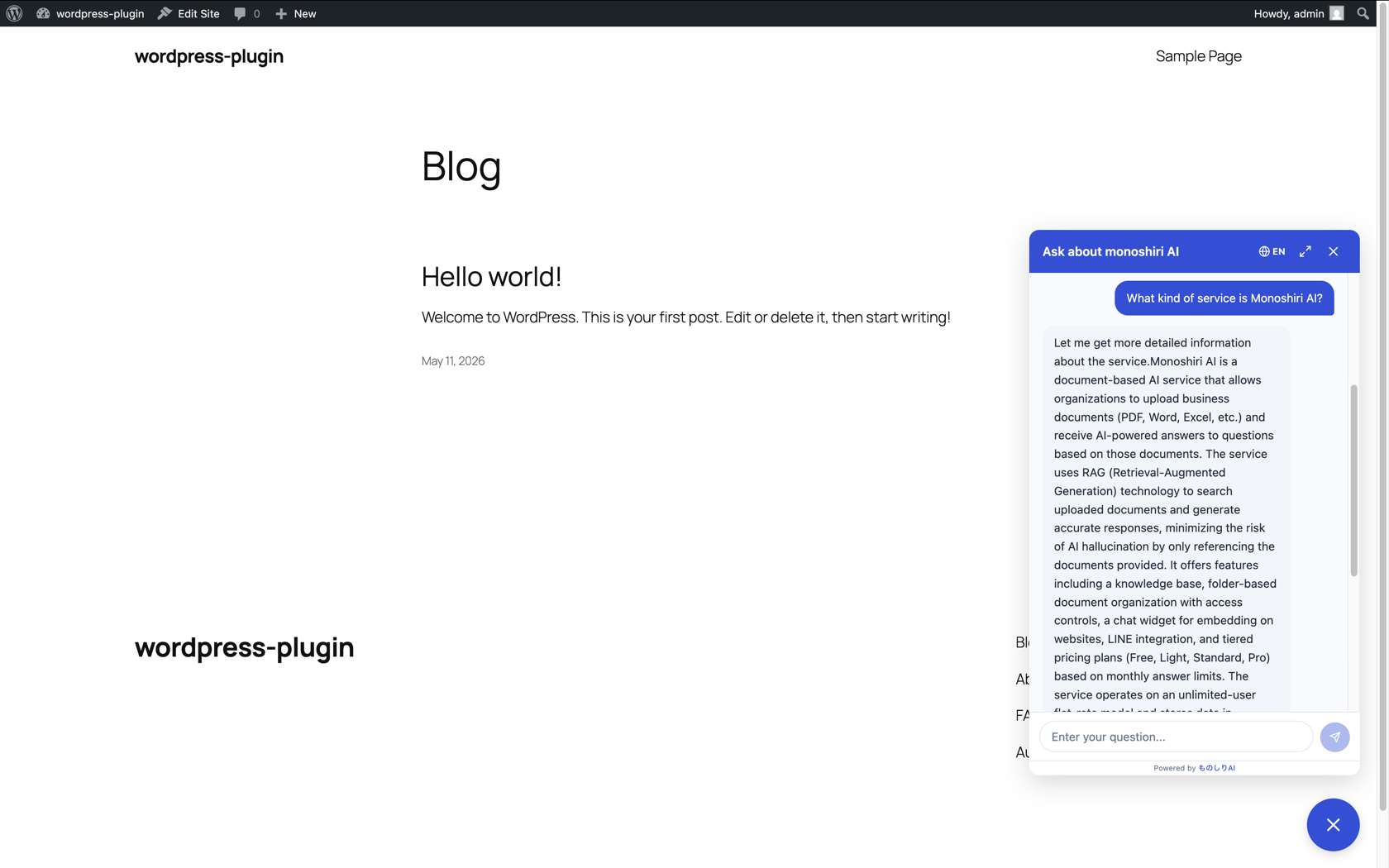
Open your site and you should see the chat button at the position you configured (bottom-right or bottom-left). Click it, type a question, and the AI will answer based on the knowledge you registered.
What kind of WordPress sites is it for?
The plugin is built to be theme-agnostic. It injects a fixed floating button via JavaScript, so it survives theme changes and works equally well with the Block Editor (Gutenberg) or the Classic Editor.
Realistic use cases:
- Corporate websites: Save visitors who can't find the FAQ page from asking the same "How much?" / "Where do you operate?" questions
- Clinics, law firms, accounting offices: Auto-answer routine questions like "How does the first visit work?" / "How do I book an appointment?"
- E-commerce and service sites: Take questions like "How many days for delivery?" / "How do I return an item?" right from the product page
- Internal portals (built on WordPress): A help desk for employee FAQs and company policies
- Documentation sites: A conversational alternative to a table of contents for product manuals
See Industry Use Cases for more sector-specific examples.
Pricing -- plugin free, widget needs Light plan or higher
The plugin is distributed for free under the GPLv2 license. Monoshiri AI offers a Free plan with one folder, up to 30 files, and 150 AI questions per month from the dashboard.
However, the chat widget feature (web embedding) requires a Light plan or higher.
| Plan | Monthly | Answer limit | Widget |
|---|---|---|---|
| Free | ¥0 | 150/mo | ❌ |
| Light | ¥2,980 | 1,000/mo | ✅ |
| Standard | ¥7,980 | 3,000/mo | ✅ |
| Pro | ¥29,800 | 20,000/mo | ✅ |
All paid plans include a free first month. If you run out of answers, you can upgrade to a higher plan at any time.
See Pricing for full details.
Open source
The plugin source code is published under the GPL license -- anyone can inspect or modify it. It's hosted in WordPress.org's SVN, so the full change history is auditable.
Securing transparency around security and privacy was another reason we chose to ship it as a public plugin. We want to lower the bar to "pasting a third-party SaaS script into WordPress" as much as possible.
What data the widget sends is documented in plain English under the "External services" section of the plugin page.
Give it a try
Search for "monoshiri AI" in your WordPress admin. The Free plan lets you try the dashboard chat first; the widget can be enabled by starting the Light plan (first month free).
- Plugin download: https://wordpress.org/plugins/monoshiri-ai-widget/
- WordPress integration page (feature details): /wordpress/
- Sign up for Monoshiri AI: https://monoshiri.ai/signup
For feature requests or bug reports, please use the WordPress.org support forum or email info@monoshiri.jp.
Related articles
Share this article
Related Articles
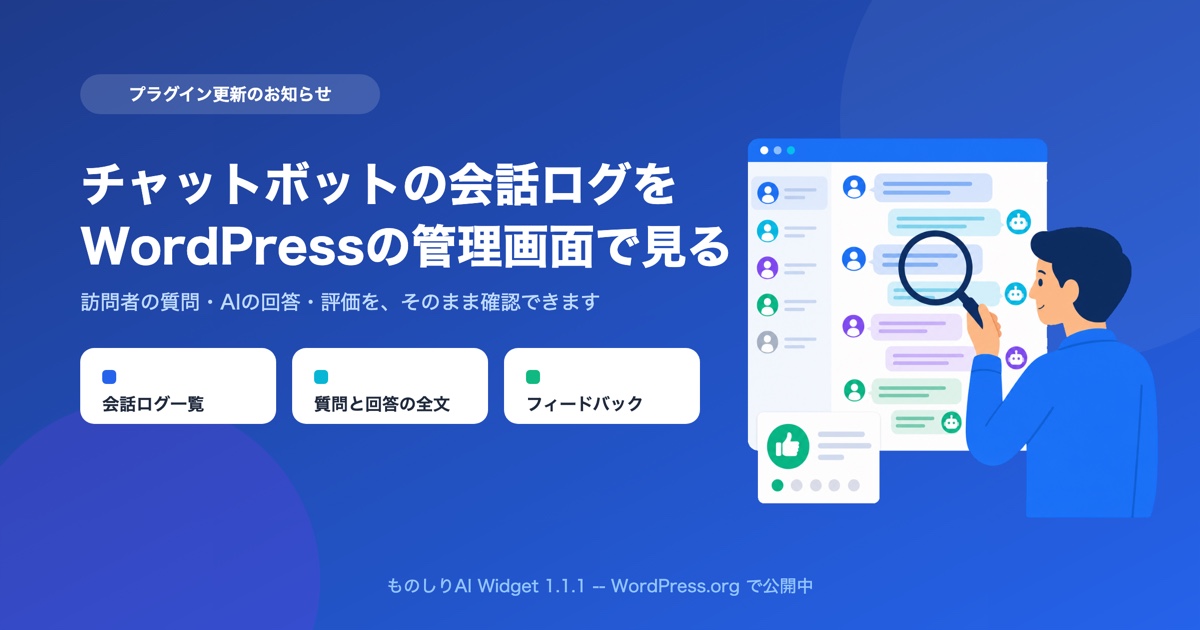
You Can Now Read Your Chatbot's Conversation Logs Inside the WordPress Admin
monoshiri AI Widget 1.1.1 is live on WordPress.org. Save a read-only integration key and you can read visitor questions, AI answers, and feedback as WordPress chatbot conversation logs, without leaving your admin screen.
Best WordPress Chatbot Plugins: 10 Compared (2026), AI vs. Rule-Based
We compare 10 WordPress chatbot plugins using public WordPress.org data: AI vs. rule-based (scenario) chatbots, whether you need an API key or an account, answers from your own documents, and what 'free' covers, with picks by goal.
How to Add a Chatbot to WordPress for Free -- Comparing Three Approaches (2026)
Three ways to add a chatbot to your WordPress site -- a plugin, an embed snippet, or building your own -- compared honestly. How to start without signing up, what 'free' actually covers, where the paid tier starts, and what to do when the button does not appear, from the team behind an official plugin.
