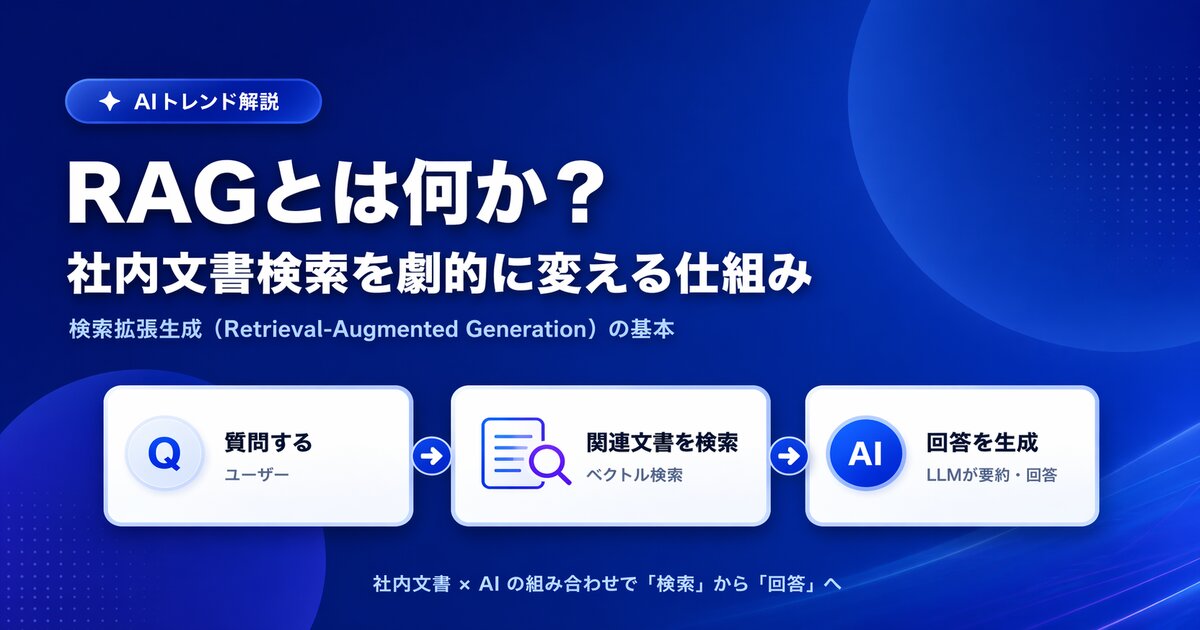

A few months into running an internal AI, many teams hit the same wall. They rewrite the prompt again and again, lengthen the instructions, add role definitions -- and still cannot escape the state where answers land or miss depending on how the question happens to be phrased.
At that point, the problem is almost never the phrasing. It is the information reaching the AI. "Context engineering," the term that took hold across the industry in 2026, names exactly this part of the work.
This article explains what context engineering is, how it differs from prompt engineering and RAG, and gives you a five-step playbook you can run against your own internal knowledge today.
What you'll learn
- What context engineering means, and how it differs from prompt engineering
- Whether RAG is now obsolete, or simply one piece of context engineering
- The four failure modes to check when internal AI answers are unstable
- A concrete procedure for auditing your own knowledge
- What to consider when choosing how information gets assembled and delivered
What context engineering is -- designing the whole payload, not the phrasing
Context engineering is the practice of deliberately designing the full set of information an AI sees at the moment it produces an answer.
That context is far more than the question a person typed. When an AI generates a single response, all of the following are handed over together.
| Element | Contents | Who decides it |
|---|---|---|
| Instructions | Role, answer rules, prohibitions | The vendor or administrator |
| Question | What the user typed just now | The user |
| Internal information | The contents of whichever documents were pulled in | Your knowledge upkeep and the retrieval mechanism |
| Conversation history | The exchange up to this point | Automatic |
| Tool results | Output of searches, APIs, and so on | The system design |
| Output format | Bullet style, how sources are cited | The designer |
The user touches exactly one line of this: the question. Everything else is decided by whoever designed the system -- and yet most teams leave that untouched and try to raise accuracy through phrasing alone. That is why prompt tweaks plateau.
How it differs from prompt engineering
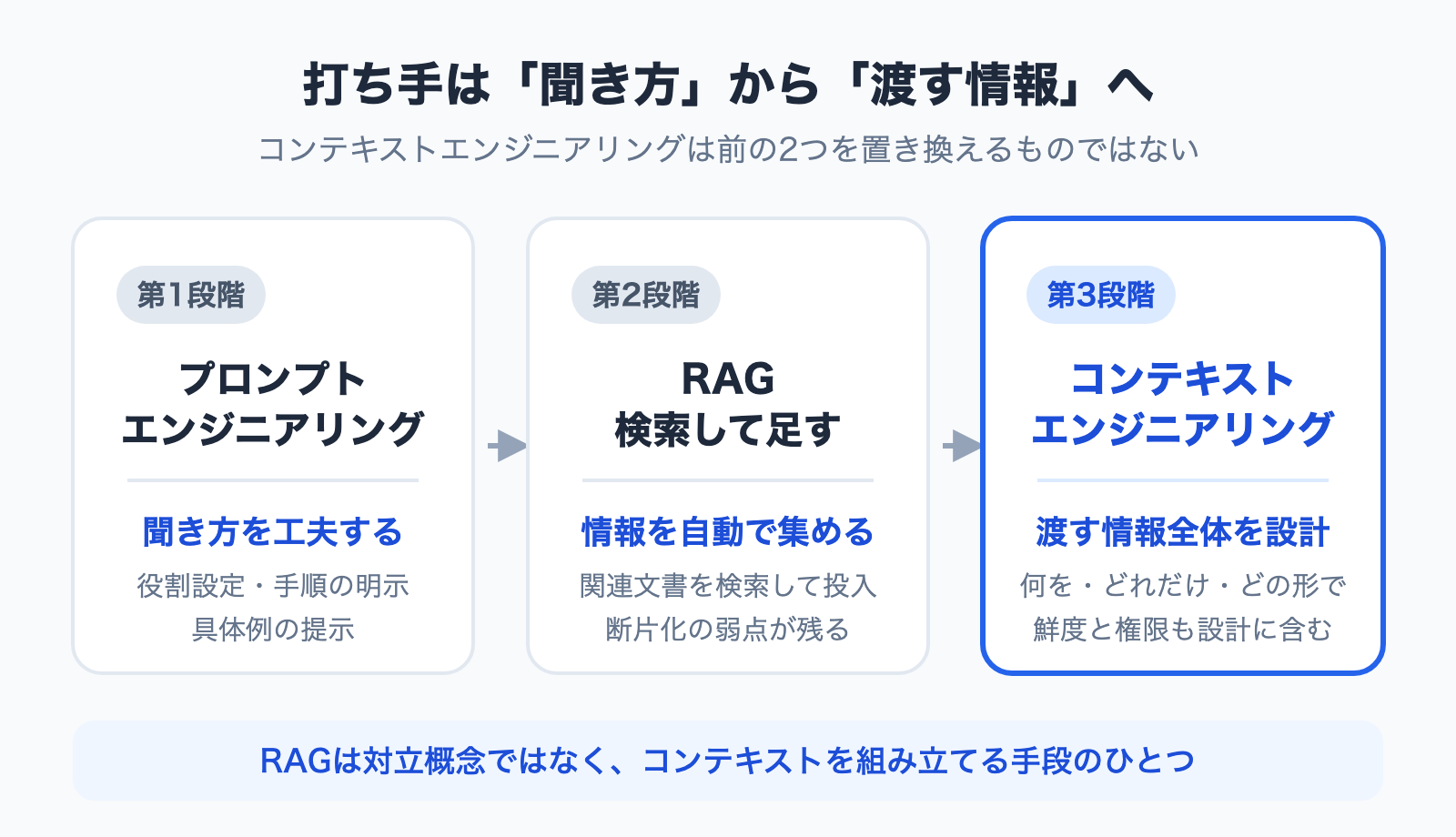
The two get conflated constantly, but they operate at different scopes.
| Prompt engineering | Context engineering | |
|---|---|---|
| What you design | How the question and instructions are written | The full payload and how it gets assembled |
| Main levers | Role setting, explicit steps, examples | Selection, freshness, structure, permissions |
| Where it shines | Doing one task well | Running the same task reliably every day |
| Its ceiling | No wording rescues information that isn't there | Requires real effort to organize information |
Prompt engineering has not become obsolete. But for internal knowledge work -- where the source material lives inside your company -- the context side is overwhelmingly where the gains are. If your employee handbook was never uploaded, no amount of clever phrasing will produce the leave-of-absence rules.
Its relationship to RAG -- containment, not conflict
You will see claims that "context engineering arrived, so RAG is finished." That is not accurate. RAG is one method for assembling context.
- Prompt engineering: refine how the text you send is written
- RAG: automatically find documents likely related to the question and add them to the context
- Context engineering: decide what, how much, in what order, and in what form to hand over -- including whether to use RAG at all
The relationship is hierarchical. RAG is one tool; context engineering is the design discipline above it. Most cases where "RAG turned out to be a waste" are not indictments of the technology but the result of bolting on retrieval without designing what gets handed over. We work through that argument in detail in Is "RAG Is Dead" Really True? 6 Criteria for Internal Knowledge AI.
Why prompt tweaks stop working -- four failure modes
When internal AI answers are unstable, the cause falls into one of four buckets. The symptoms look alike but the remedies are opposites, so identify which one you have before acting.
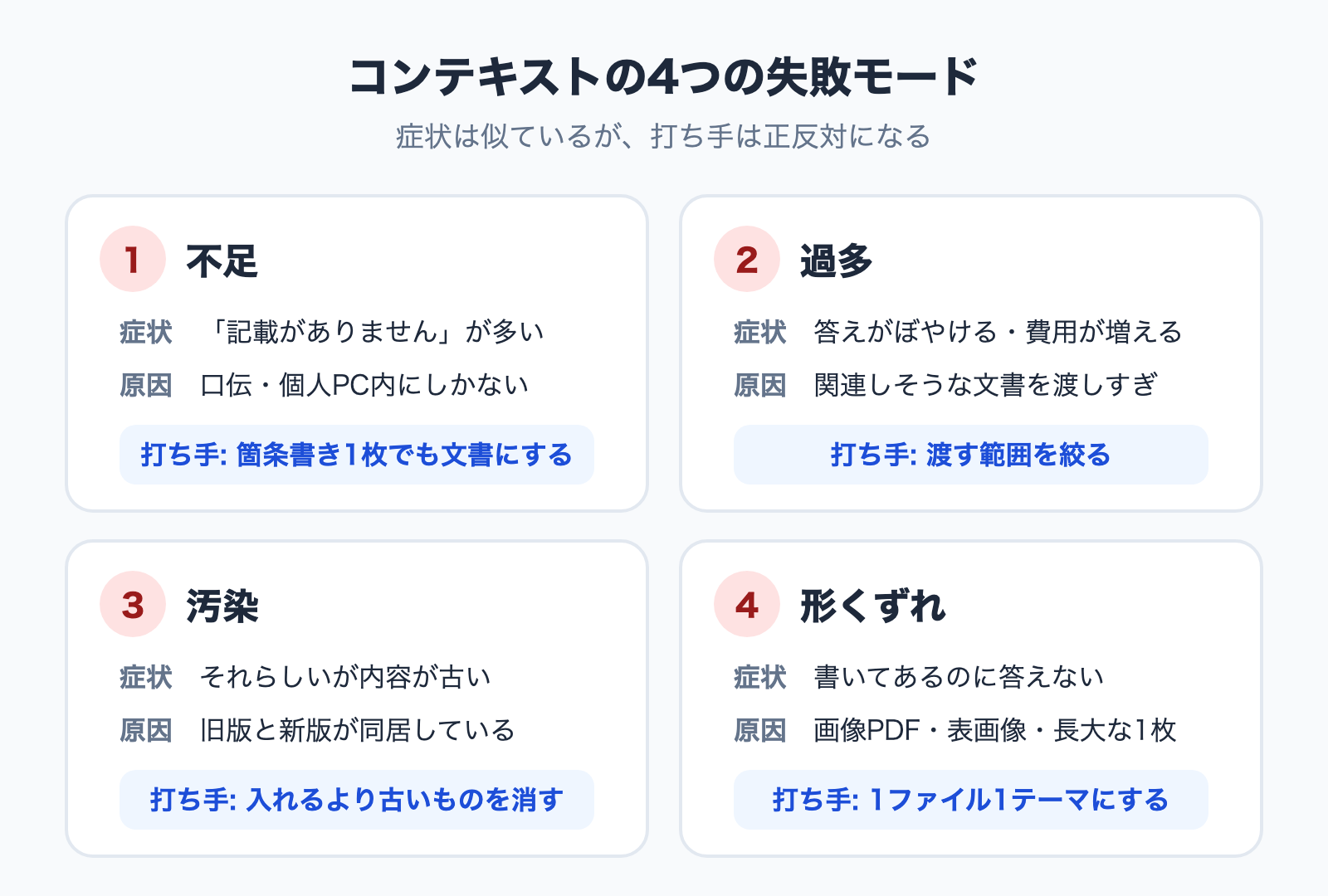
Failure 1: Scarcity -- it never got handed over
When your internal AI says "no relevant information found," the information usually never reached it. Sometimes the document does not exist at all; sometimes it sits on someone's laptop or inside an email thread and was never ingested.
Unwritten rules -- "route this approval through the department head first" -- are typically not documents at all. This is not a retrieval-accuracy problem. It is an inventory problem.
Failure 2: Excess -- so much gets sent that everything dilutes
The opposite hurts too. Dumping in every plausibly related document lowers accuracy. The tendency for information in the middle of a long input to get overlooked is known as "Lost in the Middle," and it means "just feed it everything" does not hold.
The cost side behaves the same way. Sending a large document set with every question grows more expensive as adoption grows. We examine this with concrete numbers in Is RAG Obsolete? Designing Knowledge Bases in the Long-Context Era.
Failure 3: Contamination -- old and new versions coexist
This is the nastiest one in practice. If both the 2024 and the 2026 revision of a policy are loaded, the AI treats both as valid company information. The result is an answer that sounds right and is out of date.
Worse, this error is hard for users to spot. In day-to-day operation, removing outdated material does more for accuracy than adding new material.
Failure 4: Malformed input -- it's written down but unreadable
Scanned image-only PDFs, tables pasted in as pictures, one enormous file mixing several topics. The content exists but cannot be extracted correctly.
We tested how writing choices change answer accuracy by ingesting documents that were identical in content but differed only in form; the results are in How to Write Internal Documents an AI Can Actually Answer From. The short version: "one file, one topic" and "state what the document is on line one" matter far more than polished prose.
In practice: the five-step context audit
Here is the part that matters. Context engineering as a concept changes nothing; it pays off only when applied to a specific job. Trying to reorganize all company knowledge at once always stalls, so narrow to a single workflow.
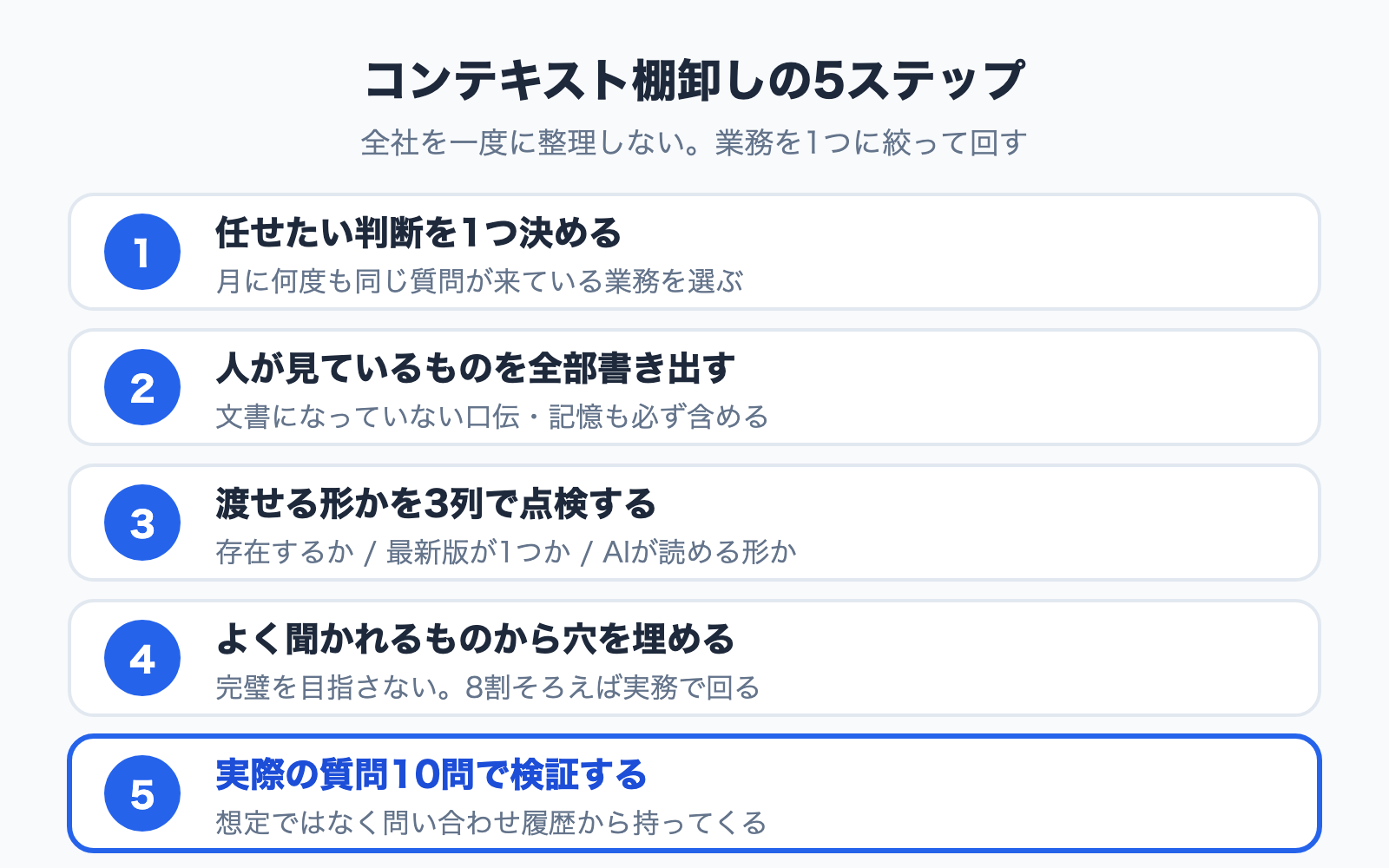
Step 1: Pick exactly one decision to hand over
"An AI that answers anything about the company" is too large a target. Choose a job where the shape of the questions is predictable.
- Judging whether an expense qualifies for reimbursement
- Answering questions about paid leave, bereavement leave, and parental leave
- Quoting standard prices and discount terms on inbound requests
- Answering customer questions about product specifications
Your selection criterion is simple: the same question arrives several times a month. The higher the frequency, the faster the payoff shows up in numbers.
Step 2: Write down everything a person consults
When your most experienced person makes that call, list every piece of information in their head and on their desk. The critical part is including what has never been written down.
For the expense-approval example:
- The expense policy (documented)
- The chart of accounts (a spreadsheet)
- Precedents that were approved or rejected (in someone's memory)
- "Above 5,000 yen, check the description line on the receipt" (spoken practice)
- Department-specific exceptions (partly preserved in email)
This list is the blueprint for the context that job requires.
Step 3: Check each item for deliverability
Run every item through three columns. Copying them into a spreadsheet is enough.
| Decision input | Exists as a document | Single current version | Machine-readable form |
|---|---|---|---|
| Expense policy | Yes | Old revision still in the folder | PDF (text) |
| Chart of accounts | Yes | Yes | Spreadsheet table |
| Past approvals | No (memory) | -- | -- |
| Receipt-description practice | No (spoken) | -- | -- |
| Department exceptions | Scattered in email | Unknown | Unknown |
Once this table is filled in, you can usually explain the instability outright. In the example above, three of five decision inputs never reach the AI at all -- territory no prompt can rescue.
Step 4: Fill the gaps, and don't chase perfection
Close the holes the audit exposed, starting with whatever gets asked most.
- Turn spoken practice into one page: polish is not required. A single line -- "receipts without an itemized description go back for reissue" -- is enough for the AI to answer
- Delete old versions: removing a document from the source location is the most reliable way to stop it being cited
- Keep tables as text: tables pasted as images lose fidelity
- Consolidate what's scattered: move exceptions buried in email and chat into documents, even partially
You do not need to close every gap. Roughly 80 percent of the decision inputs is enough to work in practice.
Step 5: Validate with 10 real questions, then fix what missed
Finally, take ten questions that actually arrived for that job and check the answers. Use the real wording from your inbox or ticket history, not hypothetical questions.
- Questions answered correctly go straight into production use
- For misses, return to the Step 3 table and identify which input was missing
- Confirm it says "not documented" honestly when it should -- an AI that guesses is the more dangerous state
Keep those ten questions as a regression test to re-run after every document change. Knowledge bases can break each time you add to them, so a fixed check keeps operations stable.
How to design the delivery -- three approaches
Once the material is inventoried, design how it gets gathered and handed over each time. There are three broad approaches, and the right one depends on your document volume and permission requirements.
| Approach | How it gathers | Suits | Watch out for |
|---|---|---|---|
| Send everything (long context) | Load the documents every time | Small corpora everyone may read | Breaks on both cost and accuracy as volume grows |
| Search and attach (RAG) | Retrieve fragments close to the question | Large corpora with permission boundaries | Fragmentation weakens cross-document questions |
| Navigate and collect | Follow a structured index to related documents | Structured documents where sources must be shown | Requires the documents to be structured |
None is universally superior; your audit results decide the answer. For the detailed criteria, see Is "RAG Is Dead" Really True?.
How Monoshiri AI is designed -- navigating an index to assemble context
Monoshiri AI takes the third, navigation-based approach. Uploaded internal documents are organized in advance into a hierarchical structure (a skill tree); when a question arrives, the AI walks that index, collects only the documents it needs, and presents them as sources.
This was not a choice made to chase a technical trend. It was designed as a response to the four failure modes above.
- Against excess: instead of handing over everything plausibly related, it hands over only what it navigated to
- Against contamination: because the documents it relied on are shown, a user can notice when an outdated revision was cited
- Against scarcity: if no matching document is reached, it says so rather than guessing
Why we moved off a retrieval-based approach, with real failure examples, is covered in What Is Corpus2Skill? RAG vs. Skill Mode Explained. Organized documents can be exposed through a chat widget or LINE, so the knowledge you tidied up during the audit lands directly in the paths people already use.
Frequently asked questions
Q. Do we need a specialist engineer for context engineering?
No. None of the five steps above involve technical work. The core activity is people who know the job writing down their decision inputs, which makes frontline staff the better fit. Tool configuration is the vendor's side of the line.
Q. Should we organize our documents before adopting AI?
We recommend the reverse. Start, then fix based on the questions that miss. You cannot identify what needs work on paper -- the failed questions tell you.
Q. Does the same thinking apply to building AI agents?
Yes, and it matters more there. Because an agent runs several steps automatically, context accumulates at each one, making failure 2 (excess) and failure 3 (contamination) more likely. Agents need a per-step decision about what gets handed over.
Q. Is prompt work now pointless?
Not at all -- but the order matters. Prompt refinement starts paying off once the context is right. Fixing the recipe does not help when ingredients are missing.
Summary
Context engineering is not a new technology. It is the ordinary, frequently skipped design work of deciding what to hand the AI. To recap:
- Context engineering means designing the full set of information the AI sees when answering; the question is only one part of it
- Prompt engineering covers "how you ask"; context engineering covers "the whole payload." For internal knowledge, the latter carries far more weight
- RAG is not an opposing concept but one way to assemble context. Most "RAG was a waste" stories are cases of adding retrieval without design
- Instability traces back to four causes -- scarcity, excess, contamination, malformed input. The symptoms resemble each other; the remedies are opposites
- In practice: narrow to one job, list the decision inputs, check deliverability, fill the gaps, validate with ten questions
Start by picking the job that generates the most questions today and writing down what your experienced people actually consult. That single page is the largest factor in your internal AI's accuracy.
Related articles
Share this article
Related Articles
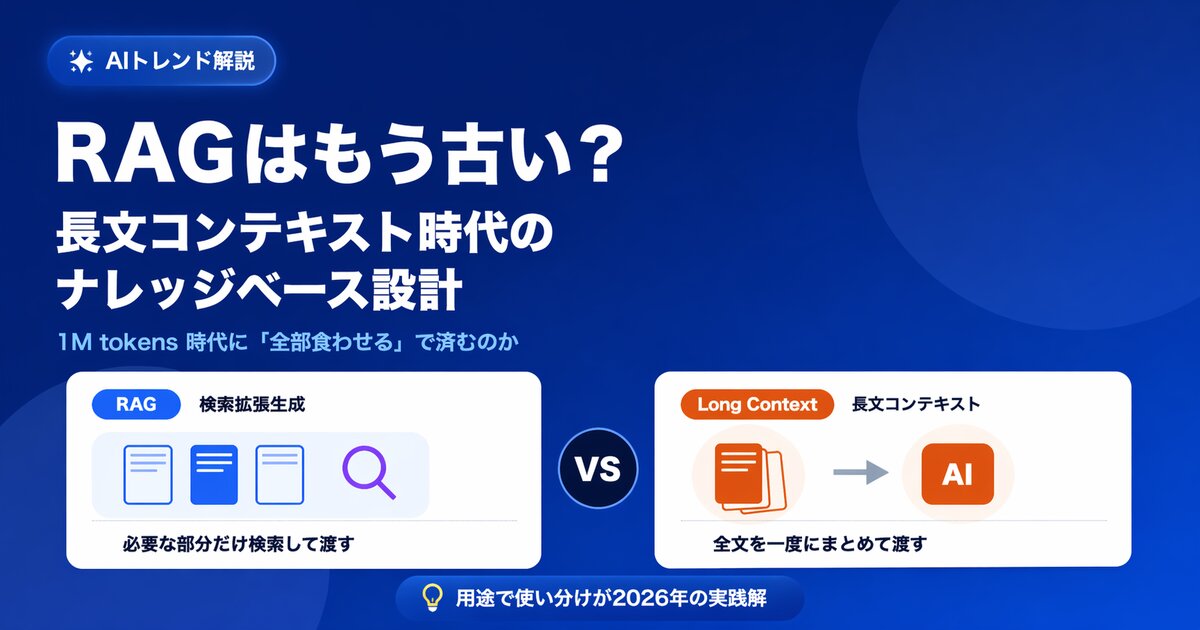
Is RAG Obsolete? Designing Knowledge Bases in the Long-Context Era
With 1M-token long-context models on the rise, some say RAG is no longer needed. We examine the claim from five angles -- cost, capacity, permissions, accuracy, and updates -- and show the current best answer for enterprise knowledge bases.
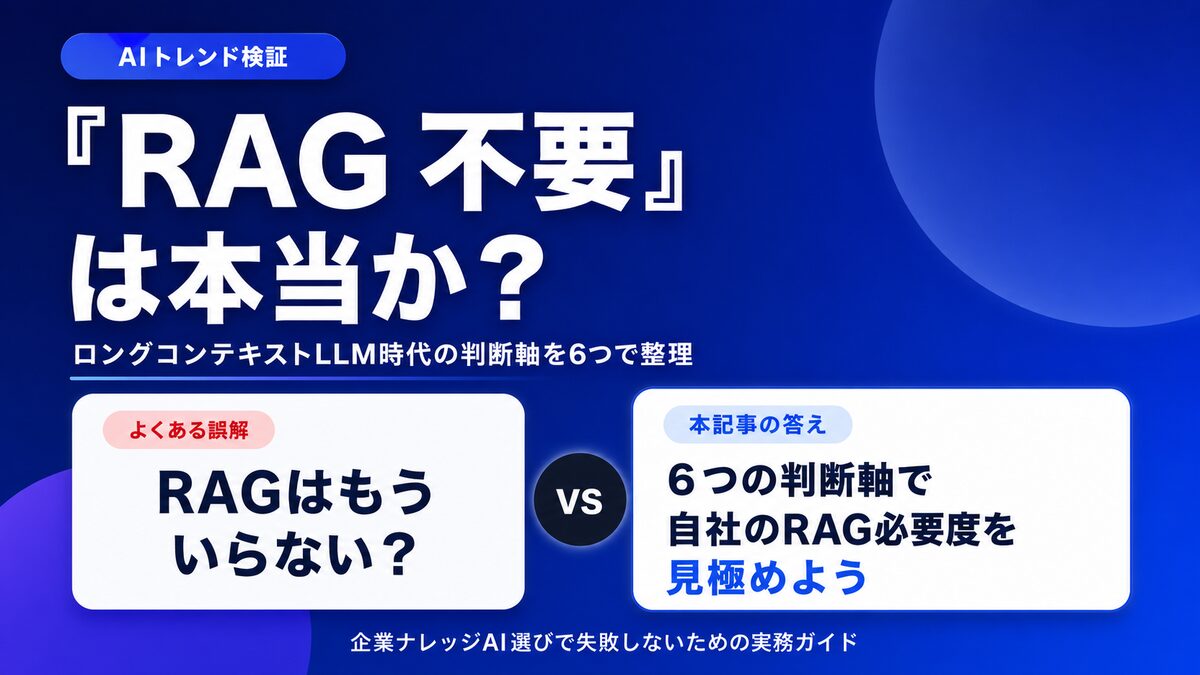
Is "RAG Is Dead" Really True? 6 Criteria for Internal Knowledge AI
With long-context LLMs on the rise, many claim "RAG is no longer needed." We sort out the cases where it genuinely isn't, and the cases where RAG is still essential, using six decision axes for choosing an internal knowledge AI.
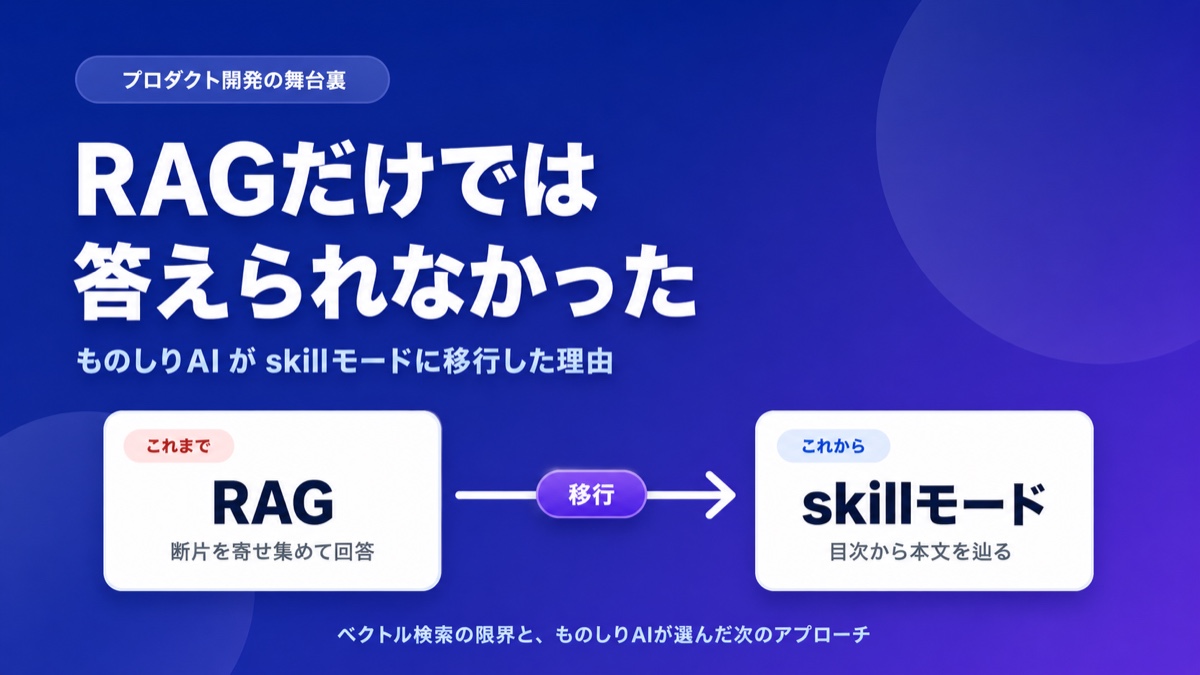
What Is Corpus2Skill? RAG vs. Skill Mode Explained
"What if the AI lies?" "It can't handle complex questions." Learn how Monoshiri AI tackled the hallucination problem and retrieval limits of vector-search RAG by moving to navigation-based RAG (Skill Mode), with concrete examples.