Editor's note: This article explains the common form of RAG, which embeds documents as vectors and searches them (vector-search RAG). In the broad sense, RAG means any system in which AI answers based on your internal documents. Monoshiri AI ran vector-search RAG in production and now uses navigation-based RAG (Corpus2Skill), which doesn't rely on vector search. The decision log is here.
"We want to use generative AI inside the company, but we need it to answer based on our own information." Requests like this are growing rapidly. The key technology that makes it possible is RAG.
RAG is a mechanism that lets generative AI "read" your internal documents while it composes an answer, and it now underpins nearly every serious AI deployment. This article explains what RAG is in terms non-engineers can follow, why it changes internal document search so dramatically, and what to keep in mind when adopting it in your organization.
What You'll Learn
- The basic idea behind RAG (Retrieval-Augmented Generation)
- The limits of traditional internal document search and what RAG changes
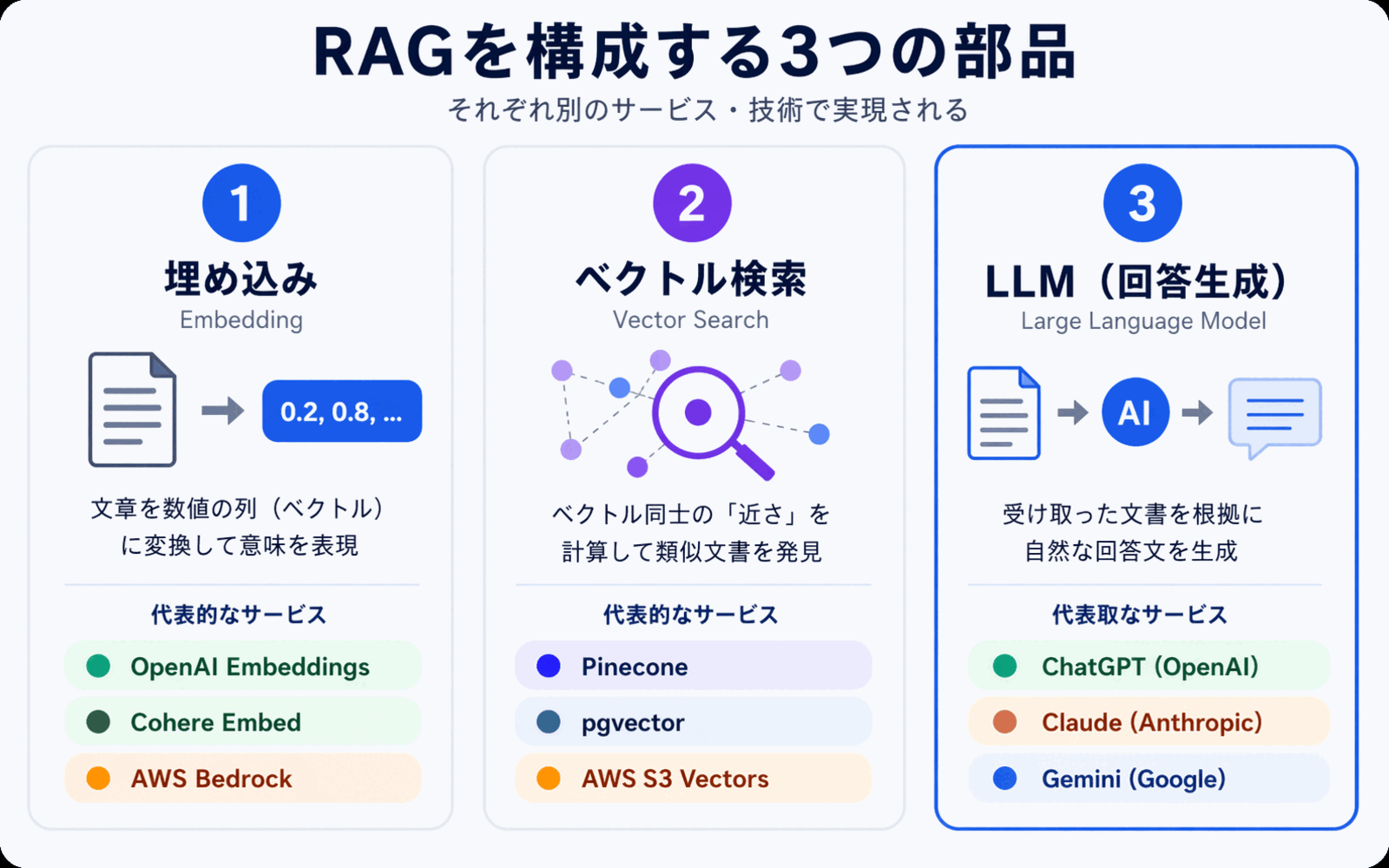
- The three components that make up RAG (embeddings, vector search, LLM)
- What to watch out for when adopting RAG in an enterprise
What Is RAG? -- Letting Generative AI "Reference" Your Internal Documents
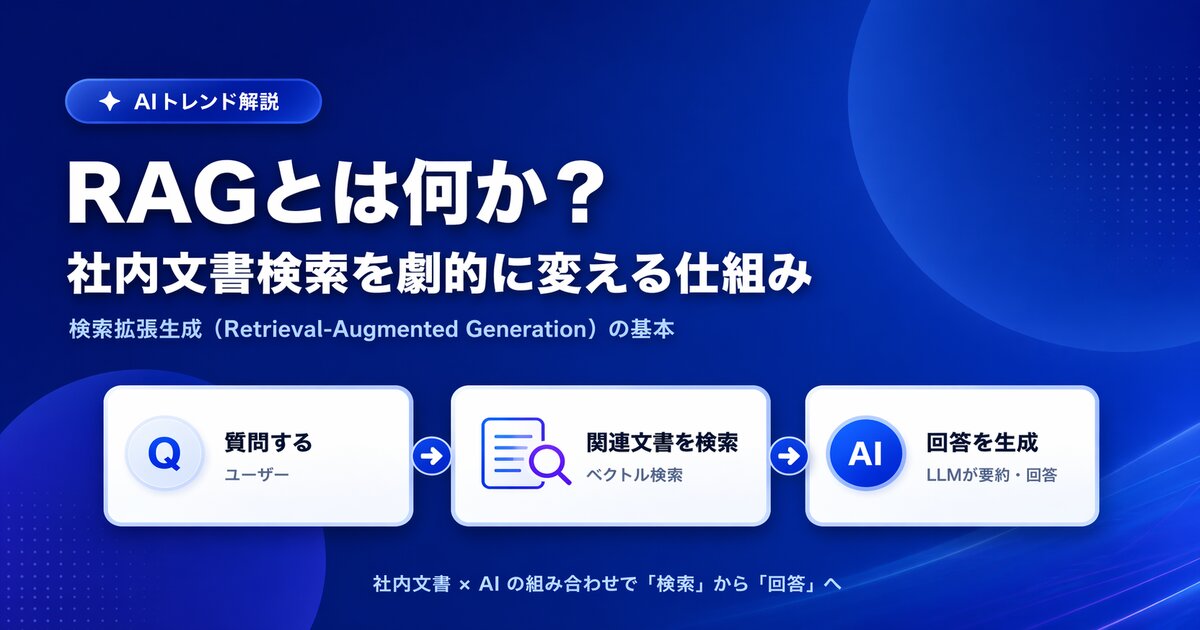
RAG stands for Retrieval-Augmented Generation. In plain terms, it's a mechanism that "searches for relevant information and lets the AI read it before generating an answer."
Generative AI can produce fluent, natural writing based on the enormous body of knowledge it was trained on, but it has never seen your internal documents. So if you simply ask "How do I request paid time off at our company?", all you'll get back is generic -- or outright incorrect -- information.
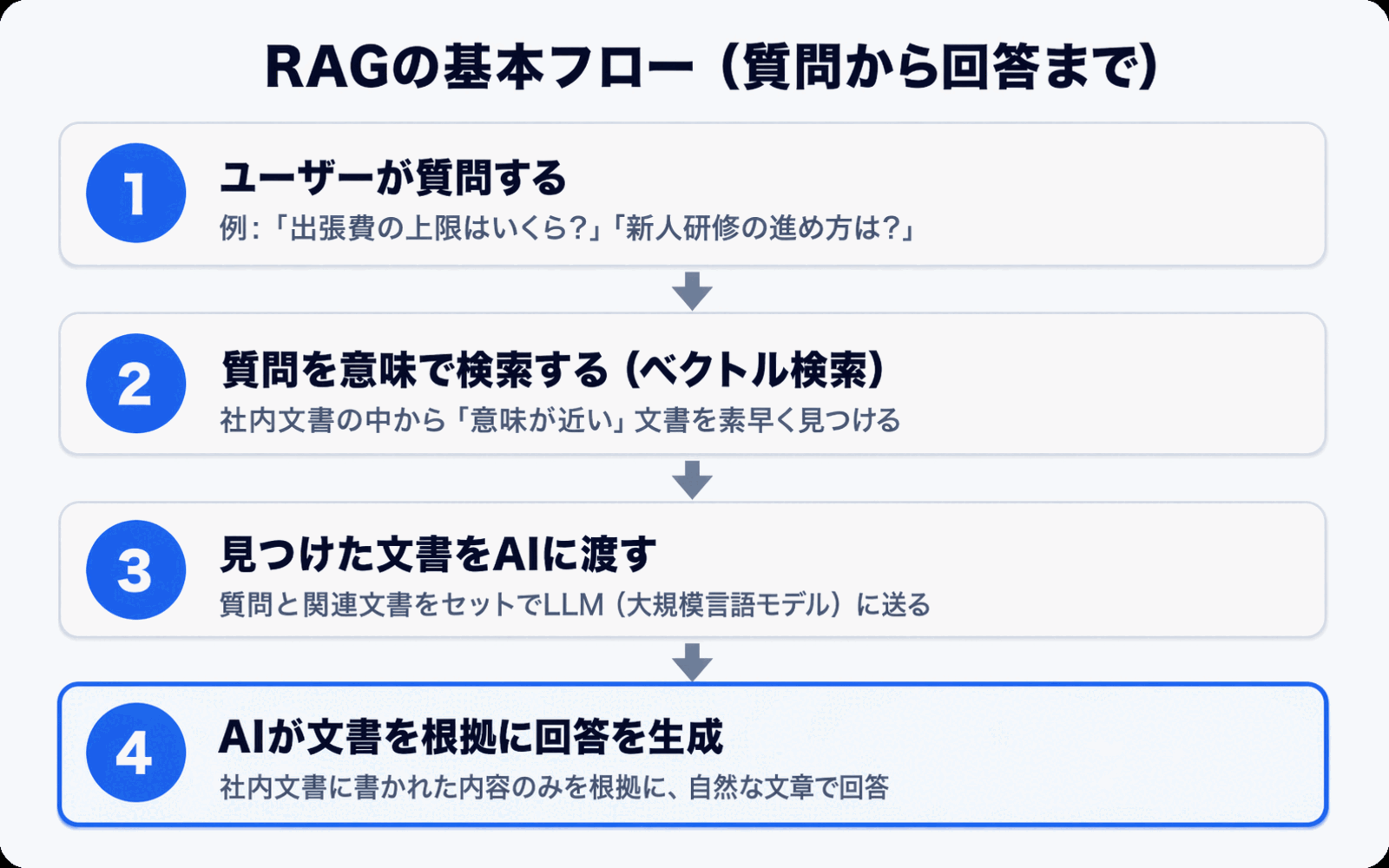
RAG solves this problem with the following flow:
- Receive a question from the user
- Search through internal documents for passages likely related to the question
- Pass those search results to the AI with the instruction "Please answer based on this information"
- The AI generates an answer grounded in the provided content
This small extra step -- "search first, then generate" -- is what turns generic generative AI into an AI that truly knows your company.
Why Traditional Internal Document Search Feels So Clunky
To understand the value of RAG, it helps to revisit how traditional internal document search works. The search tools most companies rely on fall into two main categories.
1. Keyword Search
The search built into file servers and groupware is almost always keyword search -- it looks for words that exactly match the string you type in. That comes with real limitations:
- Weak against terminology variations: Searching for "PTO" won't match a document that uses "annual leave"
- Can't handle synonyms or paraphrases: "Expense reimbursement" and "reimbursable advance" get treated as completely different things
- Dependent on the user's search skill: Which words to try is left to the searcher's intuition and experience
2. Full-Text Search Engines
Introducing a full-text search engine like Elasticsearch or OpenSearch makes things more flexible than raw keyword search. But the foundation is still close to string matching, and it can't combine multiple documents into a single unified answer. The user still has to open each search result one by one and assemble the answer themselves.
In other words, traditional search only gets you as far as "finding documents." For users who just want an answer, a significant amount of work still remains.
What RAG Changes -- From "Search" to "Answer Generation"
The essence of RAG is that it combines search with generative AI to shift the user experience from "looking for documents" to "receiving an answer."
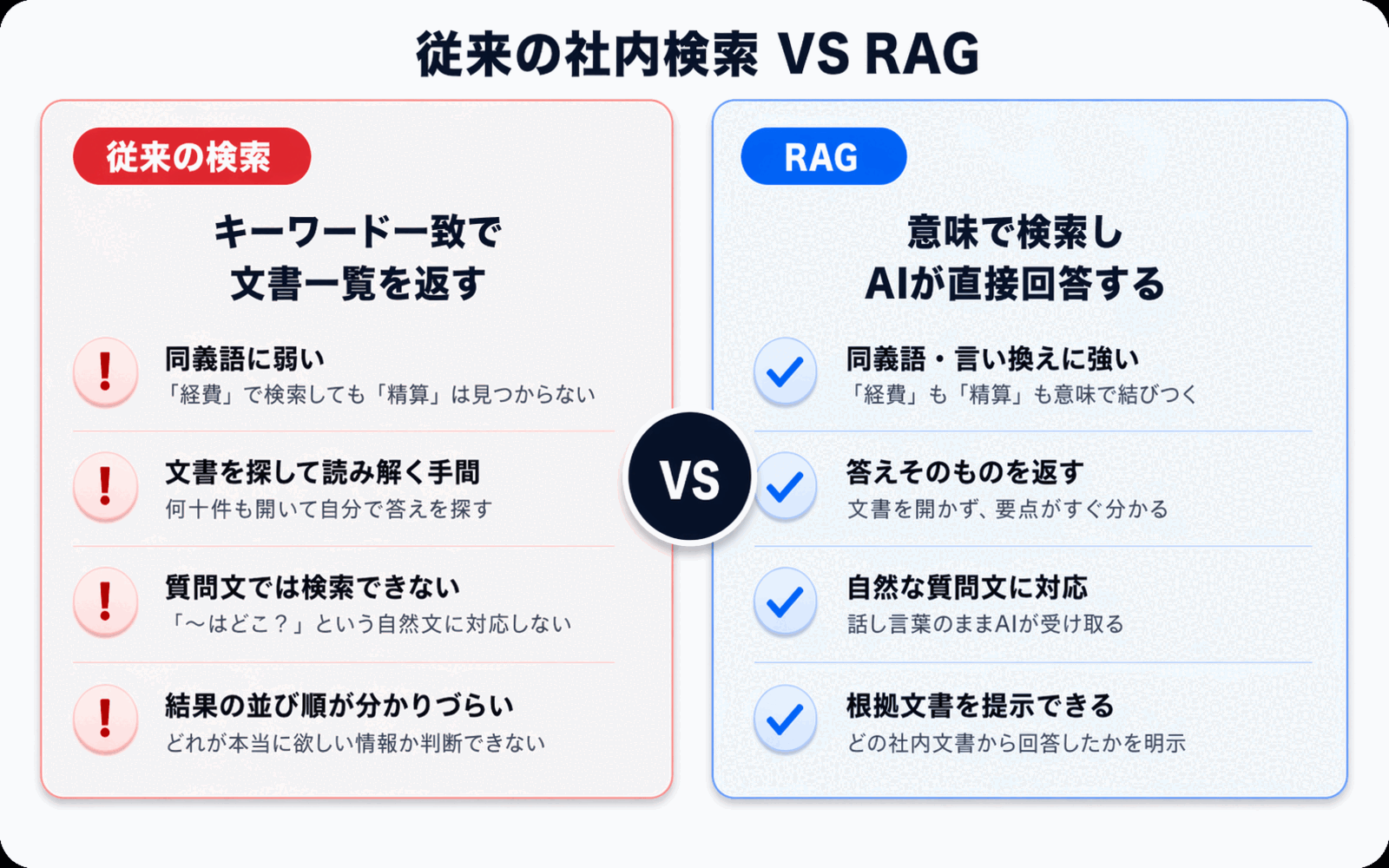
Let's compare traditional search and RAG side by side on the same question.
| Aspect | Traditional Keyword Search | AI Answers with RAG |
|---|---|---|
| Input | Keywords (words) | Natural-language questions |
| Output | A list of matching files | A direct answer to the question |
| Terminology variations | Weak (synonyms treated separately) | Strong (searches by meaning) |
| Combining multiple documents | Not possible (you open each separately) | Yes (generates answers across documents) |
| Checking sources | Open the file and search yourself | Source references shown alongside the answer |
| Who can use it | People experienced with search | Everyone, including new hires |
The biggest shift is that even a new hire can use it. Keyword search takes knack and practice to wield well, but asking an AI only requires natural language. The entry point to internal knowledge becomes dramatically more accessible.
A Closer Look at How RAG Works -- The Three Components
RAG is built from three main components: embeddings, vector search, and an LLM (large language model). Knowing how each piece fits together makes it much easier to choose the right tools when you're ready to adopt it.
1. Embeddings -- Converting Text into a "Sequence of Numbers"
An embedding is a process that converts the meaning of text into a sequence of several hundred to several thousand numbers (a vector). Passages with similar meanings are designed to produce similar number sequences.
For example, "how to request paid time off" and "taking annual leave" are literally different strings, but their meanings are close, so they convert into similar number sequences. This is why RAG can absorb terminology variations and synonyms.
When you use internal documents with RAG, you first convert all of them into these vectors in advance. This preparation step is called indexing.
2. Vector Search -- Finding the Closest Match by Meaning
When a question comes in, it is converted into a vector the same way, and compared against the pre-built vectors of your internal documents to surface the closest matches.
This is the technology known as semantic search, and it forms the core of the "search" part of RAG. Even if no keywords match, results that are close in meaning still show up.
3. LLM -- Generating an Answer from the Search Results
Finally, the retrieved excerpts from internal documents are bundled together with the user's original question and passed to an LLM (large language model). The LLM reads the provided information and composes a natural-language response, such as "Based on this document, paid time off is typically..."
The important point here is that the LLM is answering while reading the materials in front of it. The answers closely reflect your own information, and the supporting documents can be shown alongside the response.
For a deeper dive into how semantic search itself works, see How to Search Internal Documents with AI.
What to Watch Out For When Adopting RAG in an Enterprise
RAG is powerful, but adopting it doesn't automatically guarantee success. For it to take root inside your organization, a few points are worth thinking through in advance.
1. Confirm Where Your Data Lives and How It's Secured
Because RAG relies on letting AI read your internal documents, you need to be clear about where that document data is stored and who can access it. If data ends up stored in an overseas region, you may fail to meet certain compliance requirements.
When evaluating tools, check the data storage region, encryption method, and how per-tenant (per-organization) isolation is implemented. For more on this, see our Security Policy.
2. Prioritize Source Citations in Answers
Generative AI returns fluent answers, but it can also produce plausible-sounding errors (hallucinations). To prevent this, it's essential that RAG answers come with links to or excerpts from the internal documents used as the source.
Users shouldn't take answers at face value -- they need to be able to check the original document when necessary. That habit is the foundation of healthy RAG operations.
3. Source Document Quality Determines Answer Quality
RAG is, at its core, a mechanism for answering "based on information that exists inside your company." If the source documents are out of date or contradictory, those contradictions will show up in the answers.
Running a project to tidy up outdated policies, consolidate duplicate documents, and improve your FAQs alongside RAG adoption is the quickest path to higher answer quality. A nice side effect: introducing AI often becomes the motivation people needed to finally clean up their documents.
4. Understand the Cost Structure
Because RAG runs a "vector search" and an "LLM call" on every question, most services charge based on usage volume. Whether you pay by usage rather than user count, or pay a flat fee for unlimited use, varies significantly by service.
If you want everyone in the company to use it, choose a plan with unlimited users or a flat-rate plan with generous usage limits to keep costs predictable. Our Pricing page can help you compare options.
5. Design the Access Path so People Actually Use It
No matter how elegant the technology, if it isn't placed where employees already work every day, it won't stick. Tools that require logging into a separate admin console tend to go unused.
Access points that fit into existing workflows -- such as LINE or a chat widget -- are often the key to adoption.
Side note: RAG and what comes next
Vector-search RAG is a powerful pattern, but in production it can surface real issues: fuzzy citations from chunking, the recurring cost of vector infrastructure, and the operational load of re-embedding. Monoshiri AI, an AI knowledge base for internal documents, ran vector-search RAG in production itself and, to address them, migrated entirely to navigation-based RAG (Corpus2Skill / skill mode), which doesn't rely on vector search. The decision log is in Why We Moved Away from Vector-Search RAG -- How Monoshiri AI Migrated to Navigation-Based RAG (Corpus2Skill), and the broader space of options including long context is laid out in Is RAG Obsolete? Designing Knowledge Bases in the Long-Context Era.
Summary
This article walked through how RAG (Retrieval-Augmented Generation) works and how it applies to internal document search. Here are the key points.
- RAG is a mechanism that "searches for relevant documents and lets the AI read them before answering": it allows generative AI to answer accurately even for company-specific information it was never trained on
- The difference from traditional search is the shift from "finding documents" to "receiving answers": it's strong against terminology variations and synonyms, and can synthesize answers across multiple documents
- The mechanism breaks down into three components: embeddings, vector search, and LLM working together
- Successful adoption is decided by operations: data storage, source citation, document quality, cost structure, and access path are the five points to get right
RAG is no longer the exclusive domain of a few early adopters -- it is quickly becoming the standard way to leverage internal knowledge. A good place to start is simply asking which business area to begin with, and which documents to load first.
Share this article
Related Articles
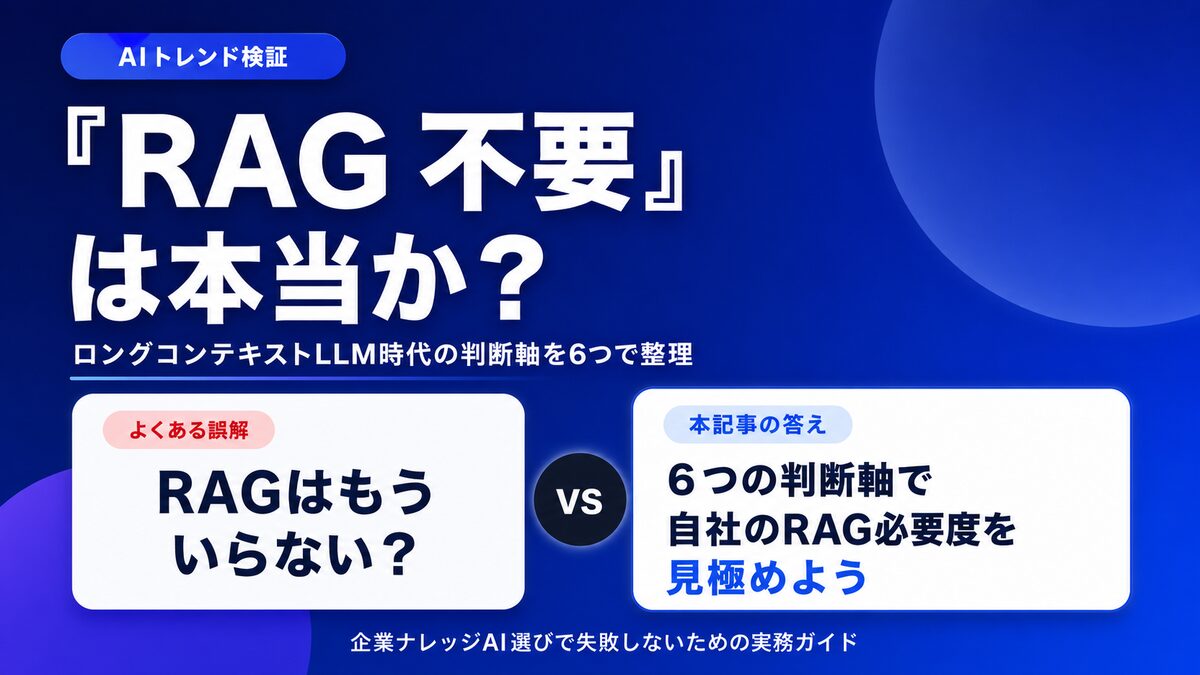
Is "RAG Is Dead" Really True? 6 Criteria for Internal Knowledge AI
With long-context LLMs on the rise, many claim "RAG is no longer needed." We sort out the cases where it genuinely isn't, and the cases where RAG is still essential, using six decision axes for choosing an internal knowledge AI.
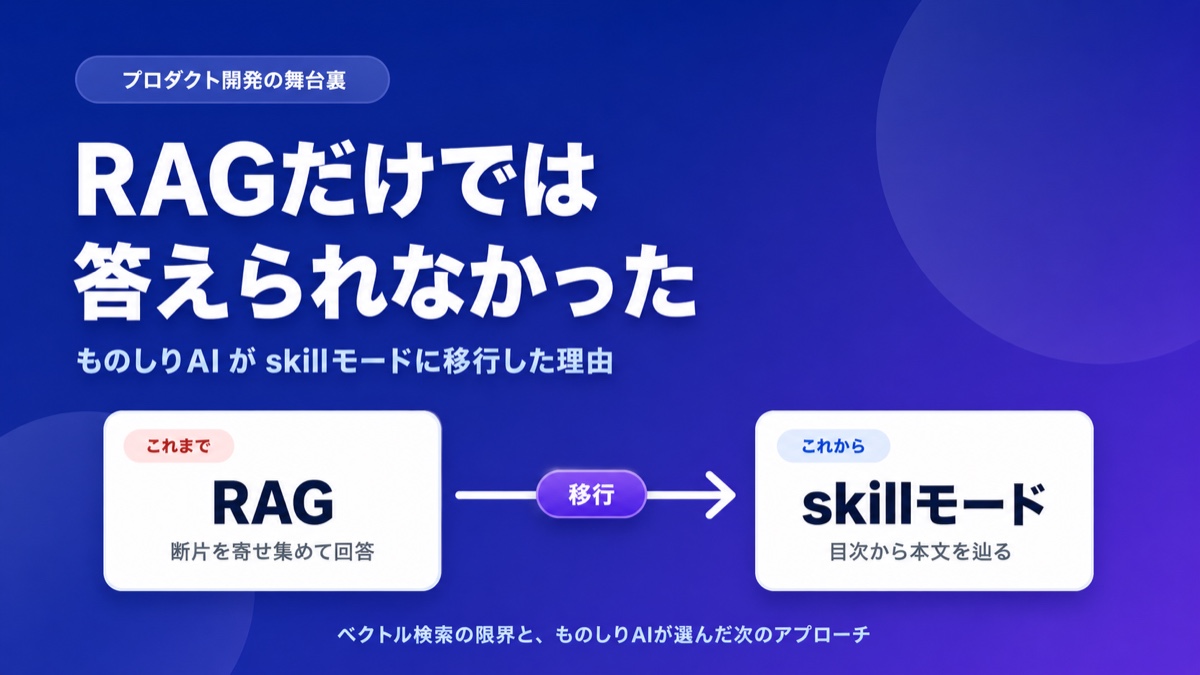
What Is Corpus2Skill? RAG vs. Skill Mode Explained
"What if the AI lies?" "It can't handle complex questions." Learn how Monoshiri AI tackled the hallucination problem and retrieval limits of vector-search RAG by moving to navigation-based RAG (Skill Mode), with concrete examples.
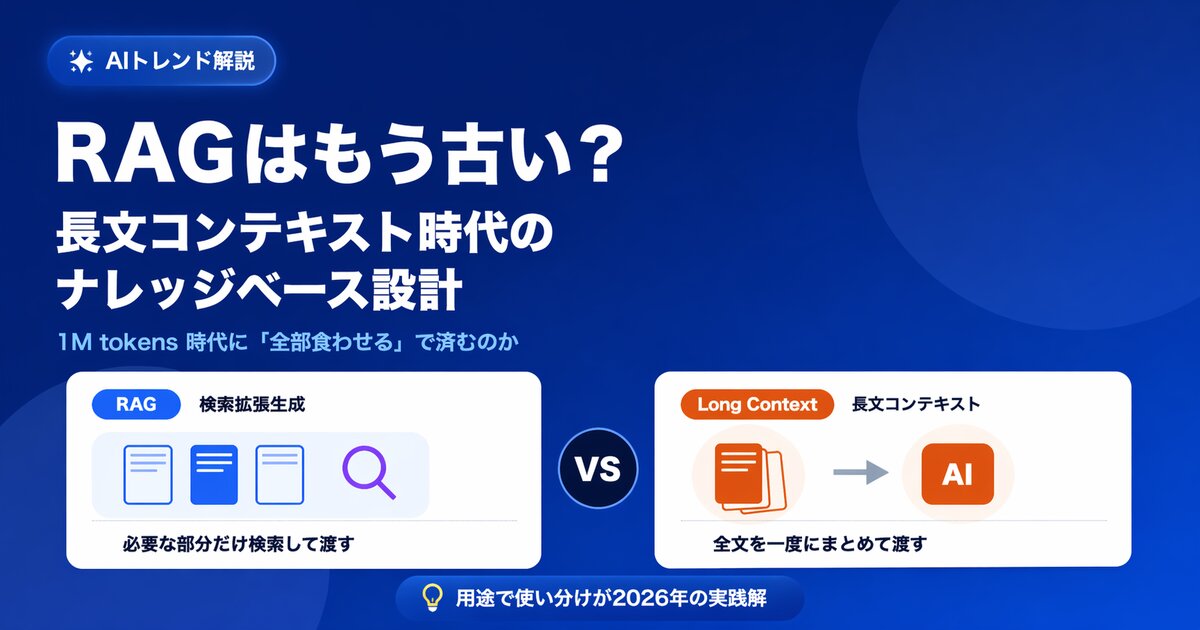
Is RAG Obsolete? Designing Knowledge Bases in the Long-Context Era
With 1M-token long-context models on the rise, some say RAG is no longer needed. We examine the claim from five angles -- cost, capacity, permissions, accuracy, and updates -- and show the current best answer for enterprise knowledge bases.