

"We rolled it out, but no one on the ground actually used it." "Costs ballooned beyond what we budgeted." "It failed our security review."
IT leaders evaluating internal knowledge bases hear stories like these all the time. With the sheer number of tools on the market and the growing complexity of their features, a quick demo comparison is no longer enough. In this article, we organize seven evaluation criteria that are often overlooked -- presented in a format you can reuse as the foundation for an internal approval document.
What you will learn in this article
- The three types of internal knowledge bases and how they differ
- Seven comparison points to avoid a failed tool selection
- Common pitfalls and how to sidestep them
- Concrete scenarios to validate during a free trial
Understanding the categories: Wiki, FAQ, and AI Search
"Internal knowledge base" is a single phrase, but it encompasses three very different architectures. Even tools that appear to belong in the same category can differ dramatically in use cases and operational overhead, so the first step is to identify which type suits your organization.
| Type | Characteristics | Best suited for | Operational burden |
|---|---|---|---|
| Wiki | Articles are authored and maintained manually | Sharing procedures and specifications | High (updates tend to stall) |
| FAQ | Pairs of questions and answers are registered | Customer support and routine internal inquiries | Medium (covering every question is hard) |
| AI Search (RAG) | AI reads existing documents and answers in natural language | Cross-document internal search, onboarding new hires | Low (upload documents and you're done) |
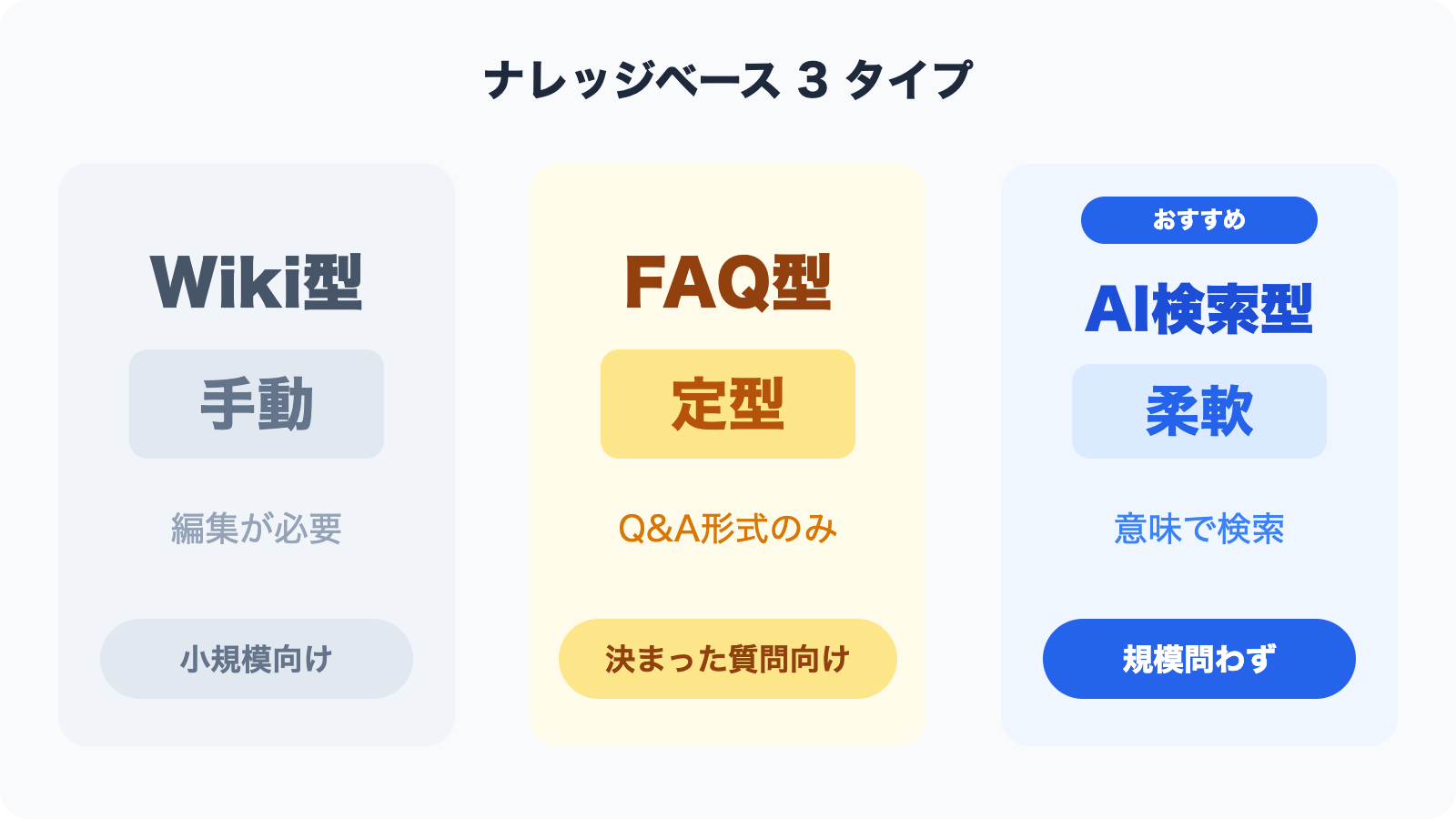
The category gaining ground the fastest is the third one -- AI Search. Using a technique known as RAG (Retrieval-Augmented Generation), the AI semantically interprets the content of uploaded documents before generating an answer. Because your existing Word and PDF files can be used as-is, there is no need to "rewrite everything as articles" -- a major differentiator.
The seven points below apply regardless of which type you ultimately choose.
Comparison Point 1: Supported file formats and ease of ingestion
Start by asking: "Can I use the documents I already have, as they are?"
In addition to major formats such as PDF, Word, Excel, PowerPoint, and CSV, check whether the tool can ingest web pages (via URL) and video subtitle files. The ingestion method matters too -- being able to drag-and-drop files directly is very different from needing a dedicated integration, and that difference shapes your time-to-launch.
If your documents change frequently, verify that re-uploads and incremental updates are easy. Tools that make updates painful lead to stale content and, ultimately, abandonment.
Comparison Point 2: Search quality (full-text search vs. AI semantic search)
Search quality directly determines how usable the tool feels day to day.
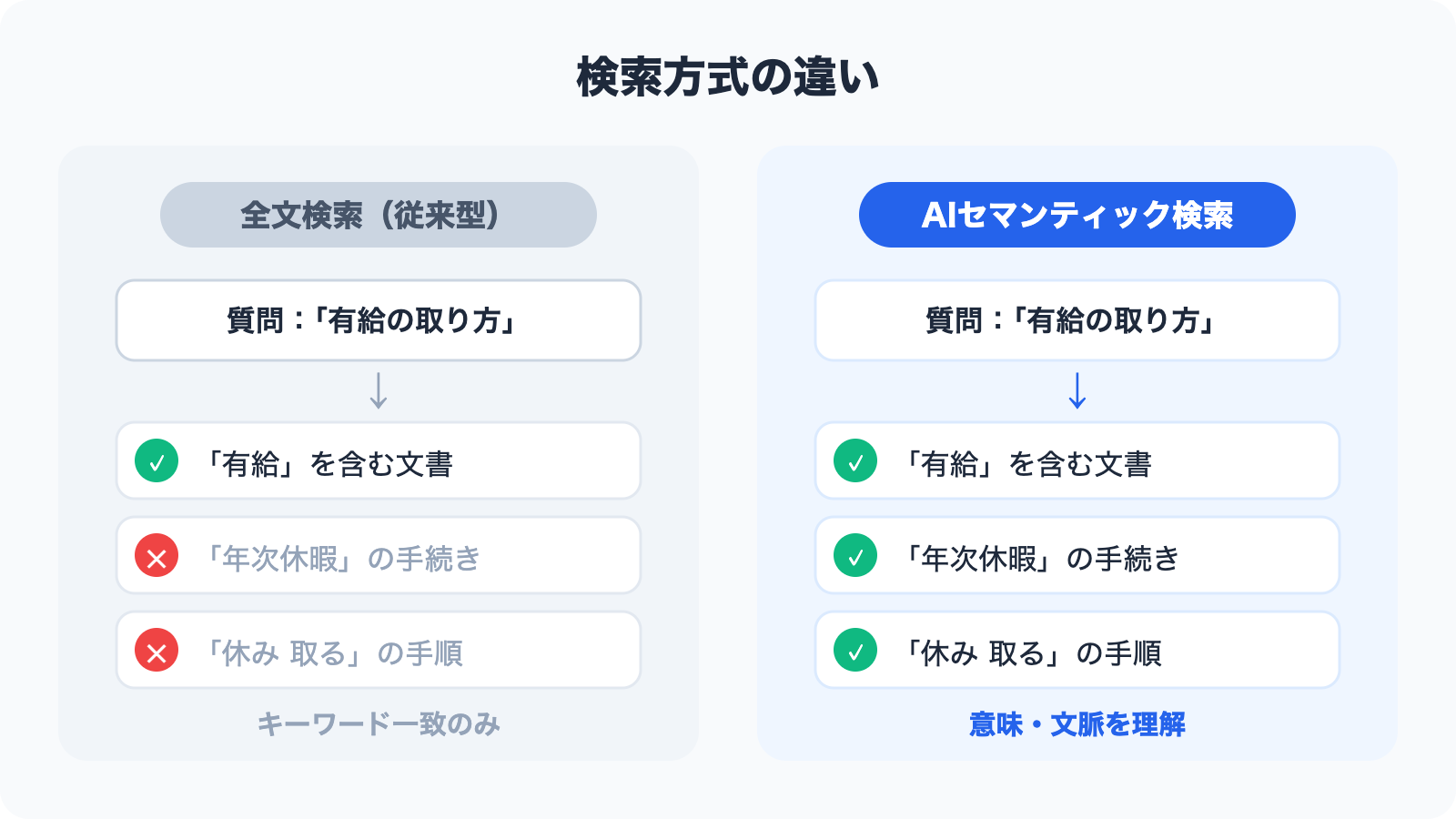
Full-text search returns results based on whether the exact keyword appears in a document. It is simple and fast, but it struggles with synonyms -- for example, a search for "annual leave" may not surface content about "paid time off."
AI semantic search uses numerical representations called vectors to compute the "semantic closeness" between words, so it can return highly relevant content even when phrasing differs. A question like "how do I file a business-trip expense report" will correctly surface documents on "transportation expense claim procedures."
When evaluating, try the following three patterns in a demo environment:
- Questions using paraphrased expressions (e.g., "vacation" vs. "PTO," "approval request" vs. "application form")
- Ambiguous questions (e.g., "how to take time off," "how to register a new vendor")
- Queries that span multiple documents
Comparison Point 3: Pricing model (per-user vs. per-feature, free tiers)
Pricing is one of the trickiest parts of tool selection. Two tools both priced at "$100 per month" can have wildly different real-world costs depending on what, exactly, you're paying for.
The three most common billing models are:
| Billing model | Characteristics | Caveats |
|---|---|---|
| Per-user | Number of users × unit price | Costs grow linearly with headcount |
| Per storage / per document | Priced by data volume or document count | Costs scale with usage |
| Per-feature tier | Plans are segmented by feature availability | The feature you need may only exist in a higher tier |
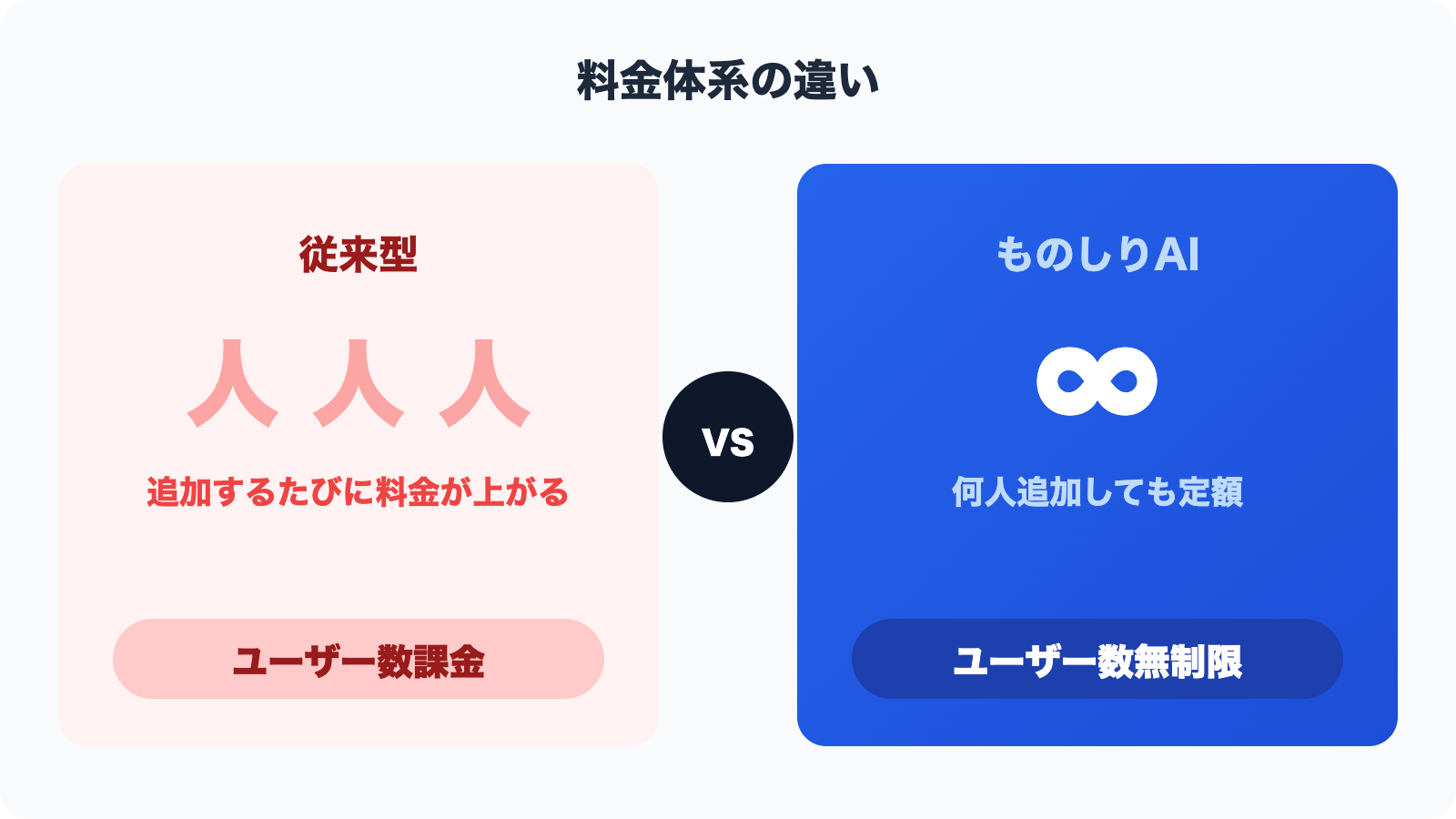
For SMBs and mid-sized companies that expect everyone in the organization to use the tool, a pricing model with no per-user cap makes total cost much easier to predict. For example, Monoshiri AI starts at 2,980 yen per month with unlimited users, so you never have to worry about "the price skyrocketing when we roll it out company-wide."
Also verify the conditions of any free plan or free trial. Even if a tool advertises "free plan available," harsh limits on document count or chat volume can make it unusable as a real evaluation environment.
Comparison Point 4: Integrations (LINE / web chat widgets)
"Where users can ask questions" directly drives adoption.
No matter how accurate the AI is, if employees have to switch to a tool they don't normally use in order to ask a question, it won't stick. Without the ability to "ask from the tool you're already using, the moment you want to know something," the impact of your deployment will be cut in half.
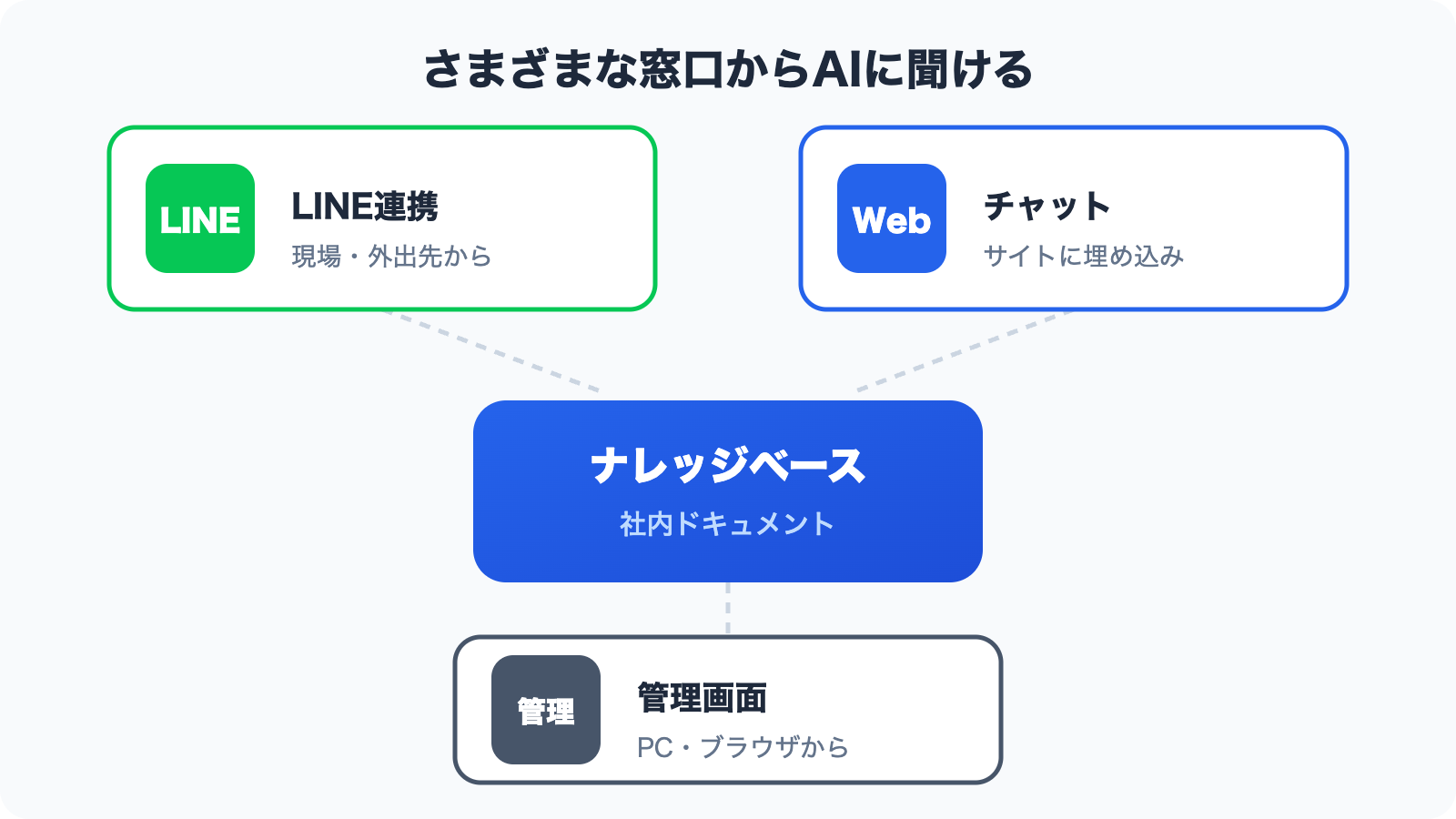
LINE integration is especially effective for frontline staff, retail workers, and field sales teams -- roles that don't sit at a PC all day. LINE doesn't require a separate business-chat contract and can be accessed straight from a personal smartphone. Monoshiri AI supports questions over LINE, enabling staff without PCs to get AI-generated answers based on your internal documents.
Web chat widgets let you embed a chat interface into your corporate website or internal portal. They also work as customer-facing FAQ bots, which suits companies aiming to cut down on support response times.
When choosing a tool, be clear about which communication channel dominates in your organization (PC-first or mobile-first), and pick integrations accordingly.
Comparison Point 5: Access control and security (data location, encryption, tenant isolation)
When confidential information is in play, security is non-negotiable. To move an internal approval through IT and Information Systems, organize the following items into a reference document.
Data location
For cloud services, the country or region where data resides matters. Under Japan's Act on the Protection of Personal Information, storing personal data with an overseas cloud service triggers disclosure and safeguard obligations toward the data subject. For this reason, many companies require data storage within a Japanese region as a security policy baseline.
Tenant isolation
In multi-tenant SaaS, verify that your company's data is logically and physically separated from other customers' data. Architectures where "multiple companies share the same database" elevate the risk of information leakage in a worst-case scenario.
Encryption and access control
Confirm whether data is encrypted at rest and in transit, and whether you can set access permissions at the folder or document level. If some information should be visible to certain departments and not others, folder-level permissions become a hard requirement.
Monoshiri AI stores data in AWS's Japan region and implements complete isolation at the tenant (organization) level. Folder-level access control is also supported, so highly sensitive documents such as HR records and executive materials can be handled safely.
Comparison Point 6: Support and ease of onboarding
Even when two tools are technically equivalent, the quality of support and onboarding help is often the deciding factor.
Check the following items:
- Japanese-language support: Some overseas tools have excellent features but offer support only in English
- Contact channels: Are chat, email, and phone available so you can reach them in an emergency?
- Documentation quality: Are manuals, tutorials, and FAQs well maintained?
- Onboarding assistance: Is there help with initial setup, or any onboarding sessions?
- SLA (Service Level Agreement): Is uptime guaranteed?
SMBs and mid-sized companies frequently lack a dedicated IT team, which makes "being able to get help quickly in Japanese when you're stuck" an important criterion. The responsiveness and quality of support during a free trial is also a strong predictor of what life will look like after deployment.
Comparison Point 7: Scenarios to validate during a free trial
Most knowledge base tools offer a 14- to 30-day free trial. But "just poking around" won't give you an evaluation that reflects real-world use.
Be sure to try the following scenarios during the trial.
Scenario 1: Ingest your own real documents
Instead of using sample documents, upload your actual employment handbook, operational manuals, and FAQ collections, then ask the kinds of questions that come up in your day-to-day work. It's essential to have the people who will actually use the tool judge whether "the answer quality matches expectations."
Scenario 2: Use it with multiple users at once
Don't let administrators conclude "it works fine" on their own. Have the frontline staff who will actually use it try it too. Opinions from potential heavy users are the most reliable indicator of whether the UI is intuitive.
Scenario 3: Validate permissions and admin features
Try the operations an administrator performs regularly: adding and removing users, configuring folder-level visibility, and so on. Discovering after launch that "administration is a pain" is often too late.
Scenario 4: Actually test the integrations
If LINE or web chat widget integration is available during the trial, try them. The impression from a demo video can differ significantly from the actual hands-on experience.
Selection patterns that fail: three common pitfalls
Even teams that carefully compare features can fall into the following traps.
Pitfall 1: The demo is too polished, so practicality is misjudged
Vendor demo environments run on carefully curated sample data. Your real documents -- legacy Excel files, scanned PDFs with poor image quality -- may not yield the same accuracy. The ironclad rule of trials is to use your own raw data.
Pitfall 2: Picking the tool with the most features
The more features a tool has, the more setup and operational overhead it brings. If your priority is "everyone uses it every day," you should value simplicity and usability over feature breadth.
Pitfall 3: Deciding without involving the field
When IT makes the selection in isolation, the rollout often triggers pushback: "this is hard to use," "it doesn't fit the way we work." Involving the people who will actually use the tool in the trial evaluation is what drives post-launch adoption.
Summary
We've walked through seven comparison points for choosing an internal knowledge base.
- Supported file formats and ease of ingestion: Can you use your existing documents as-is?
- Search quality: Full-text or AI semantic search? Does it handle variations in phrasing?
- Pricing model: Per-user or per-feature -- calculate the total cost at full rollout
- Integrations: Can employees access it from the tools they already use (LINE, web chat, etc.)?
- Security: Japanese-region data storage, tenant isolation, folder-level access control
- Support and ease of onboarding: Is Japanese-language support strong, and can you rely on them when stuck?
- Making the trial count: Evaluate with real documents and real users, and gather frontline feedback
Use these seven points as a checklist to sharpen your tool selection. Attaching the resulting comparison table to your internal approval document will also make it much easier to explain your choice to decision-makers.
Share this article
Related Articles
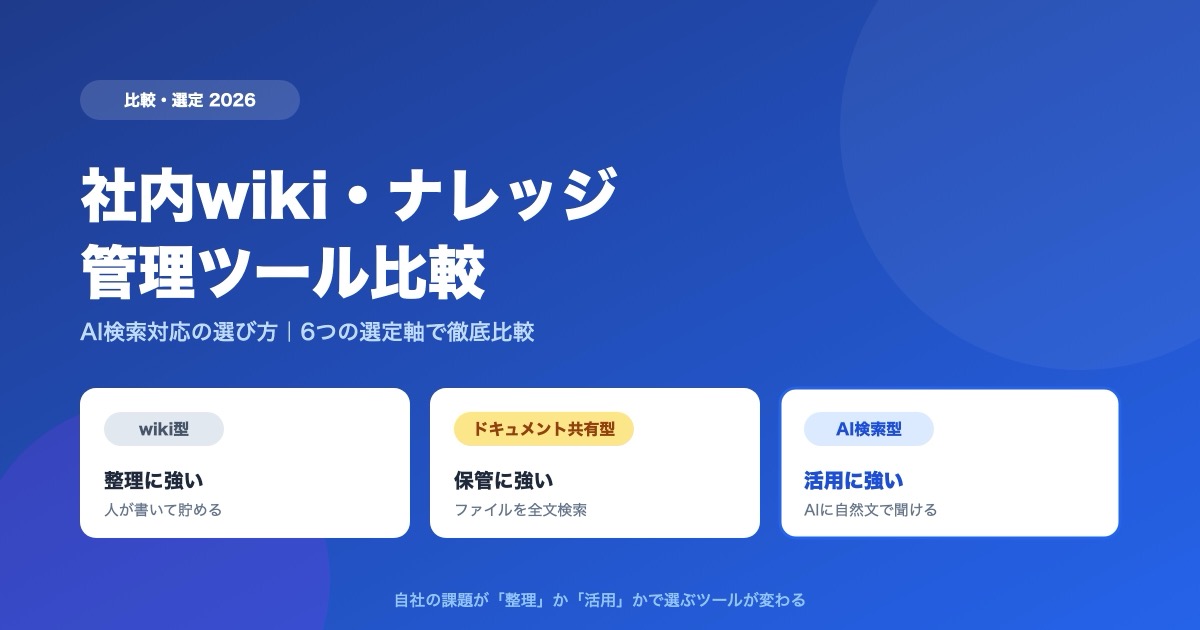
Internal Wiki & Knowledge Management Tools Compared (2026): How to Choose for AI Search
A 2026 comparison of internal wikis and knowledge management tools. Use six selection criteria for AI knowledge bases (answer accuracy, pricing, access control, ease of adoption, Japanese-language accuracy, integrations) and a side-by-side comparison table to find the right fit.
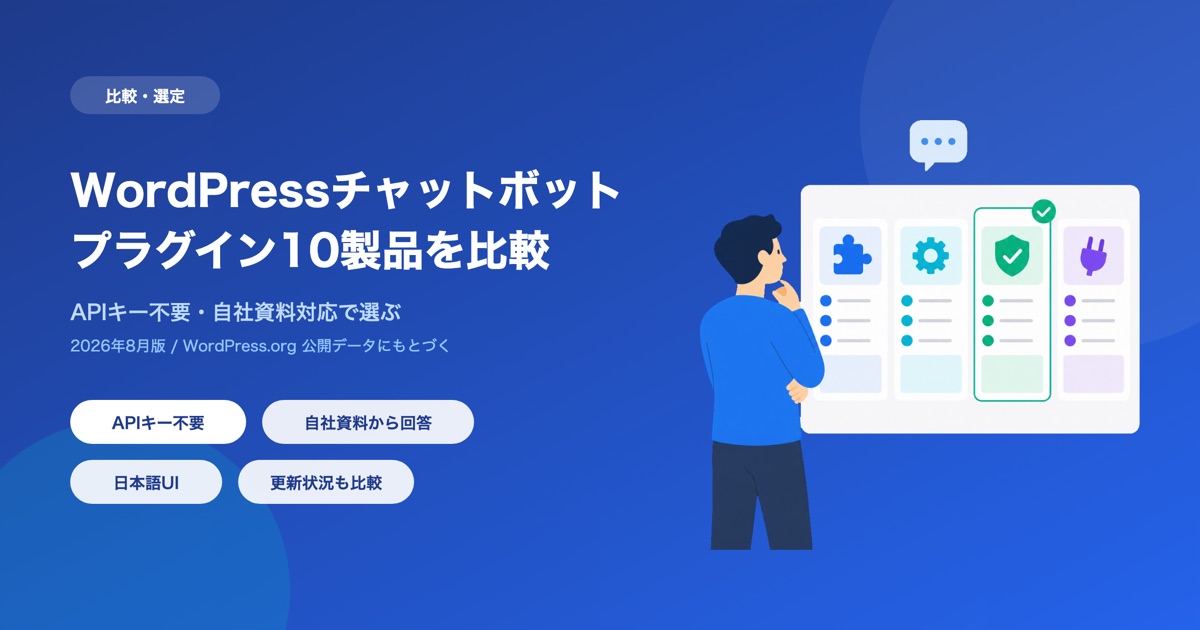
Best WordPress Chatbot Plugins: 10 Compared (2026), AI vs. Rule-Based
We compare 10 WordPress chatbot plugins using public WordPress.org data: AI vs. rule-based (scenario) chatbots, whether you need an API key or an account, answers from your own documents, and what 'free' covers, with picks by goal.
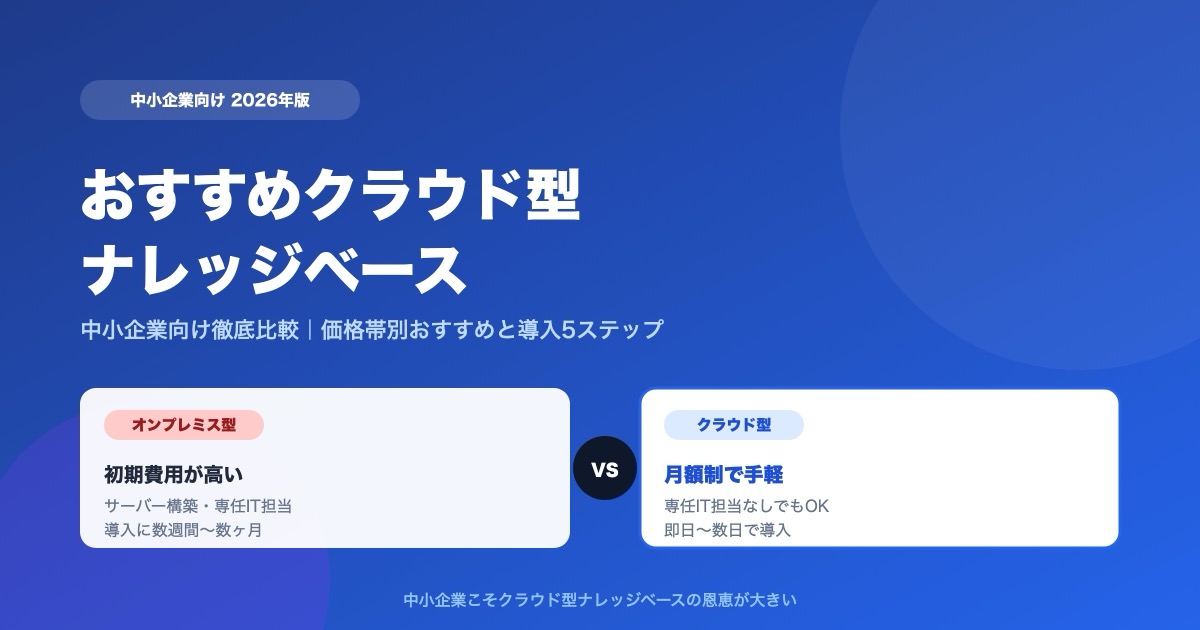
Which Cloud Knowledge Base Should You Choose? SMB Comparison and Buying Guide (2026)
For a small or midsize business, the cloud knowledge base to pick is one you can trial free and that does not charge per user. Here is why, plus selection criteria, picks by price tier, a comparison table, and a 5-step rollout.

![Dify vs Monoshiri AI -- Choosing the Right Internal Knowledge AI for Your Team [2026 Edition]](/blog/dify-vs-monoshiri/header.jpg)

![Enterprise AI Tool Selection Guide -- ChatGPT, Gemini, Claude, NotebookLM, Notion AI, and Monoshiri AI Compared [2026 Edition]](/blog/ai-tools-comparison-2026/header.jpg)