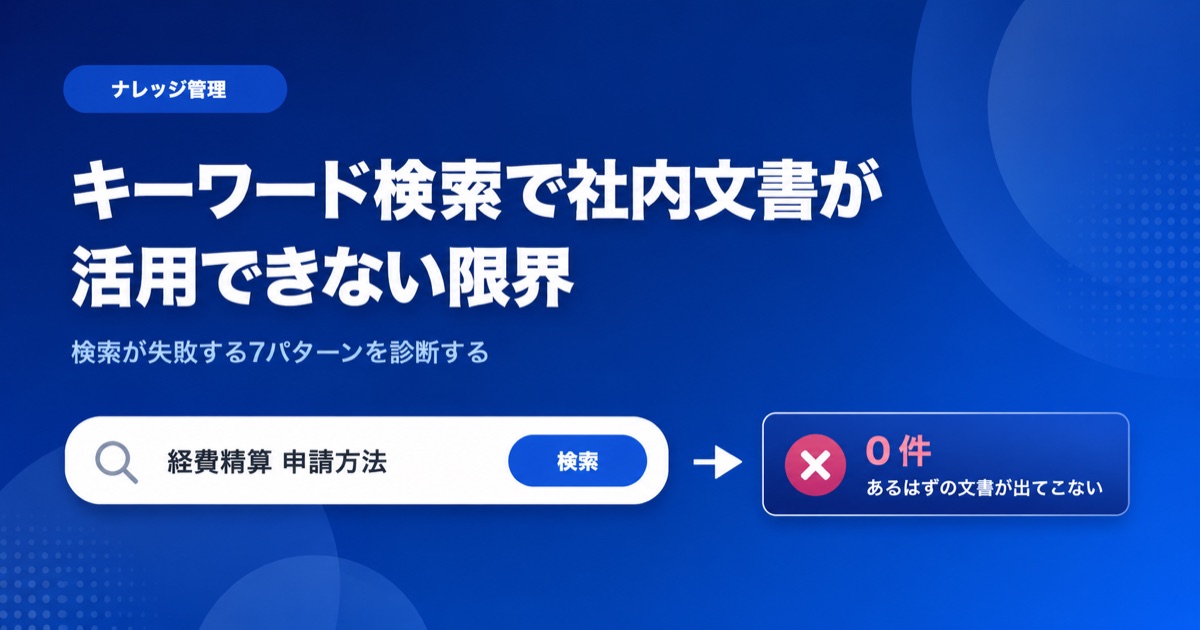
"You'll have to ask Mike about that." "Only Sarah knows how that works."
Sound familiar? When critical information lives inside the heads of a few key people, your organization has a knowledge silo problem. In this article, we'll walk through five warning signs that your team's knowledge is dangerously siloed -- and show you how an AI-powered knowledge base can fix it.
What You'll Learn
- Five telltale signs that knowledge is siloed in your organization
- What happens when you ignore the problem
- A three-step approach to breaking down silos with an AI knowledge base
What Are Knowledge Silos, Exactly?
Knowledge silos form when the know-how needed to do a job exists only inside certain people's heads.
Even if manuals and process documents technically exist, day-to-day work still depends on "asking the person who knows." This setup may appear to work fine on the surface, but it creates serious hidden risks for the organization.
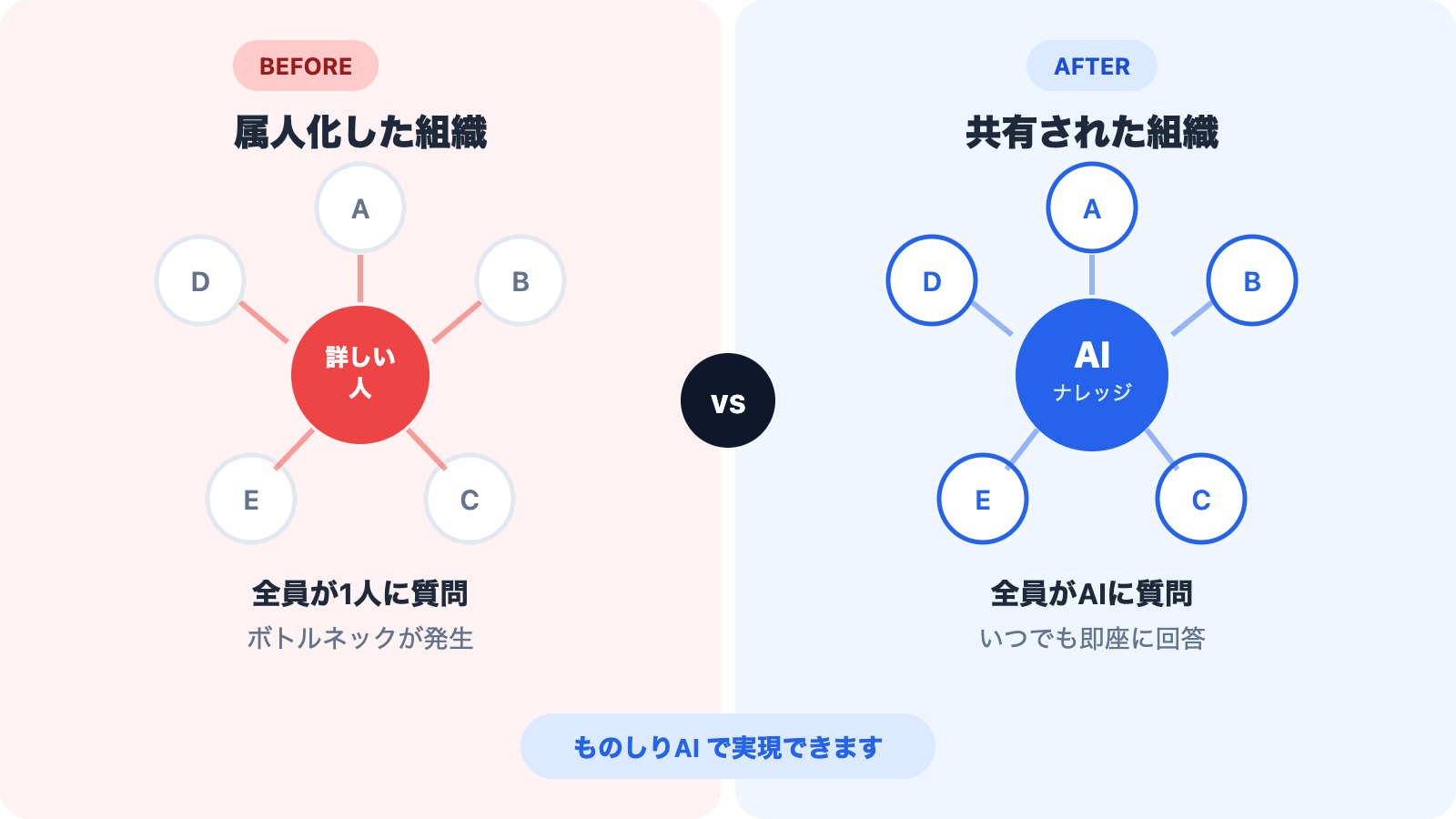
Warning Sign 1: "Ask So-and-So" Is Everyone's Default Answer
The clearest red flag is when pointing people to a specific colleague is the standard way to get information.
What this really means is that the gateway to knowledge is a person, not a system. The person being asked has their own work interrupted. The person asking has to wait until that colleague is available.
Both sides lose time, yet the problem gets brushed off as "just how things work around here."
Warning Sign 2: Work Grinds to a Halt When a Key Person Is Out
If certain tasks come to a standstill whenever a senior team member takes vacation or calls in sick, that's a major warning sign.
It proves that the knowledge for those tasks lives with one individual and nowhere else. A short absence might be manageable -- "we'll handle it when they're back" -- but what about an unexpected resignation or extended leave?
Most organizations don't recognize the risk of losing undocumented knowledge until it actually happens.
Warning Sign 3: The Same Questions Keep Getting Asked
"Sorry, I think I've asked this before, but..."
If you hear this kind of preamble regularly, it's a sign that there's no system in place to capture and share knowledge. Answering the same question over and over wastes the responder's time, while the person asking feels increasingly awkward about it.
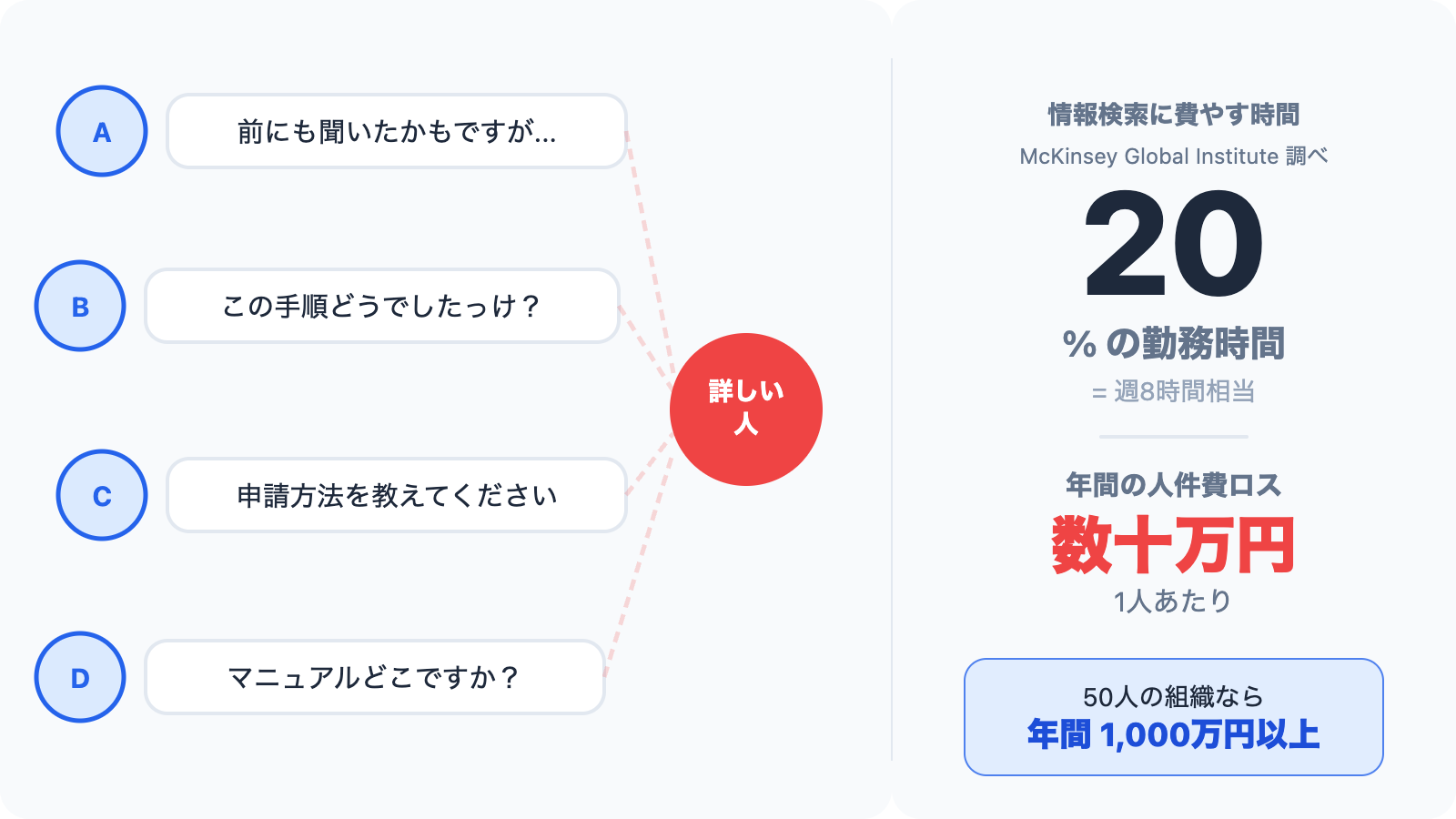
According to research by McKinsey Global Institute, knowledge workers spend nearly 20% of their work week searching for internal information. For a 40-hour work week, that's roughly 8 hours -- adding up to tens of thousands of dollars per employee in lost productivity each year.
Warning Sign 4: Documentation Exists but Nobody Uses It
"Oh, there's a manual for that" -- except it's buried in a nested folder structure and half the content is outdated. It's faster to just ask someone directly, so the documentation falls further into disuse. A vicious cycle takes hold.
The root cause isn't a lack of documentation. It's the lack of a usable environment for finding and accessing it. How many people on your team can locate the right file deep inside a shared drive by its exact name?
Warning Sign 5: Onboarding Relies Entirely on Shadowing
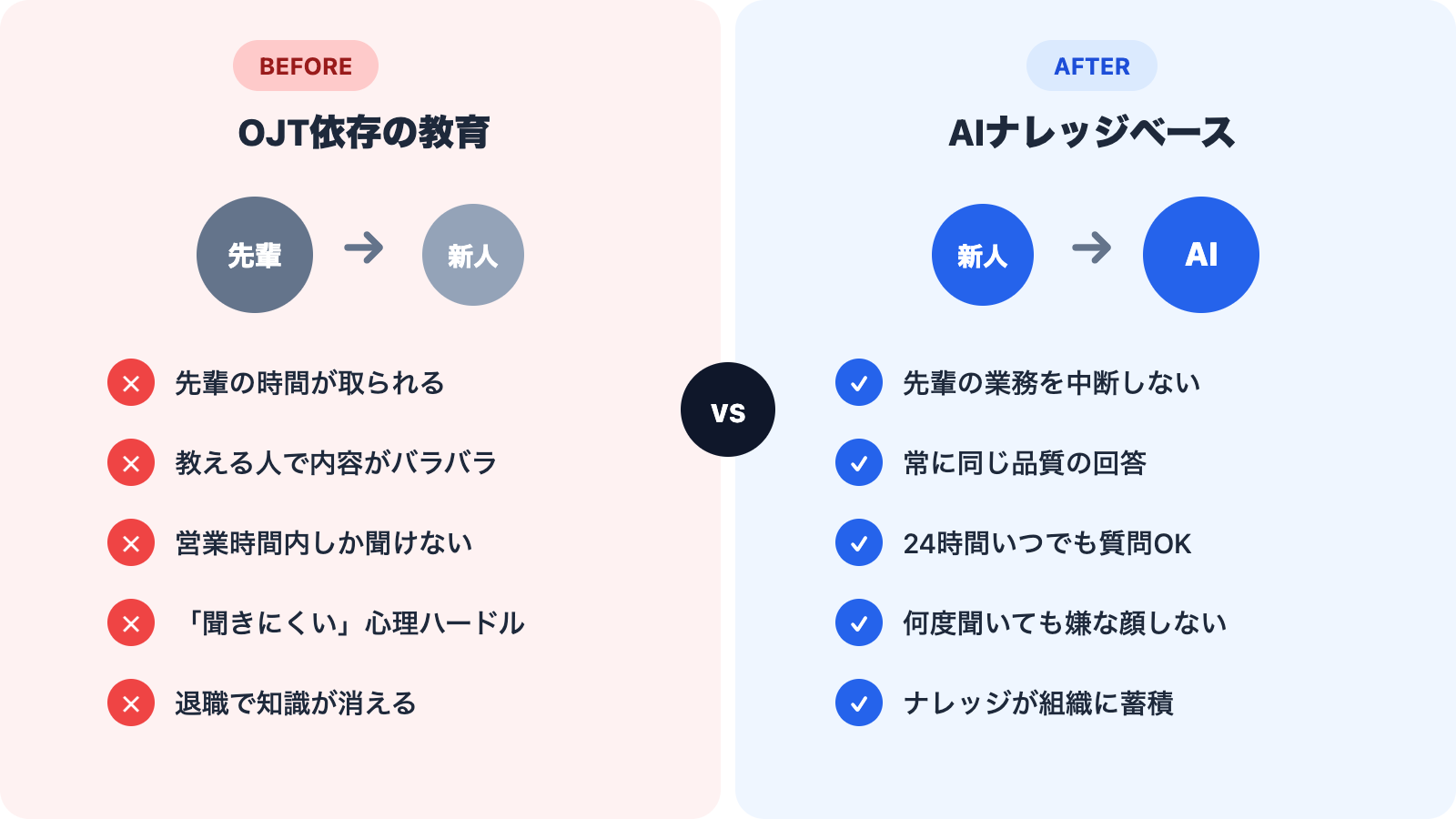
When most of a new hire's training comes from one-on-one, on-the-job learning with a senior colleague, you're looking at a breeding ground for knowledge silos.
The mentor carries a heavy burden, and the quality of training varies from person to person. On top of that, new hires often don't know what they don't know, so they fail to ask the right questions during the critical early period.
What Happens If You Ignore Knowledge Silos
We've outlined five warning signs. So what happens if you let them go unchecked?
- Business continuity risk: Operations stall when a key person leaves or transfers
- Declining productivity: Time spent searching for information and waiting for answers piles up
- Employee frustration: Veteran staff burn out from constant questions; new hires feel reluctant to ask
- Inconsistent quality: Output varies depending on who handles the task or trains the new person
- Stalled growth: Institutional knowledge never compounds, and the same mistakes keep repeating
Knowledge silos are manageable when a team is small, but the cost grows exponentially as headcount increases.
The Solution: Replace "Ask a Person" with "Ask AI"
The fundamental fix for knowledge silos is moving information from people's heads into a place everyone can access. Traditional approaches, however, have their own drawbacks:
| Traditional Approach | Challenge |
|---|---|
| Internal wiki | High authoring effort; updates tend to stall |
| Shared drives | Files become impossible to find as volume grows |
| Internal FAQ | Creating question-answer pairs is labor-intensive |
| Chatbot | Designing conversation flows requires specialized skills and time |
That's where an AI knowledge base offers a fundamentally different approach.
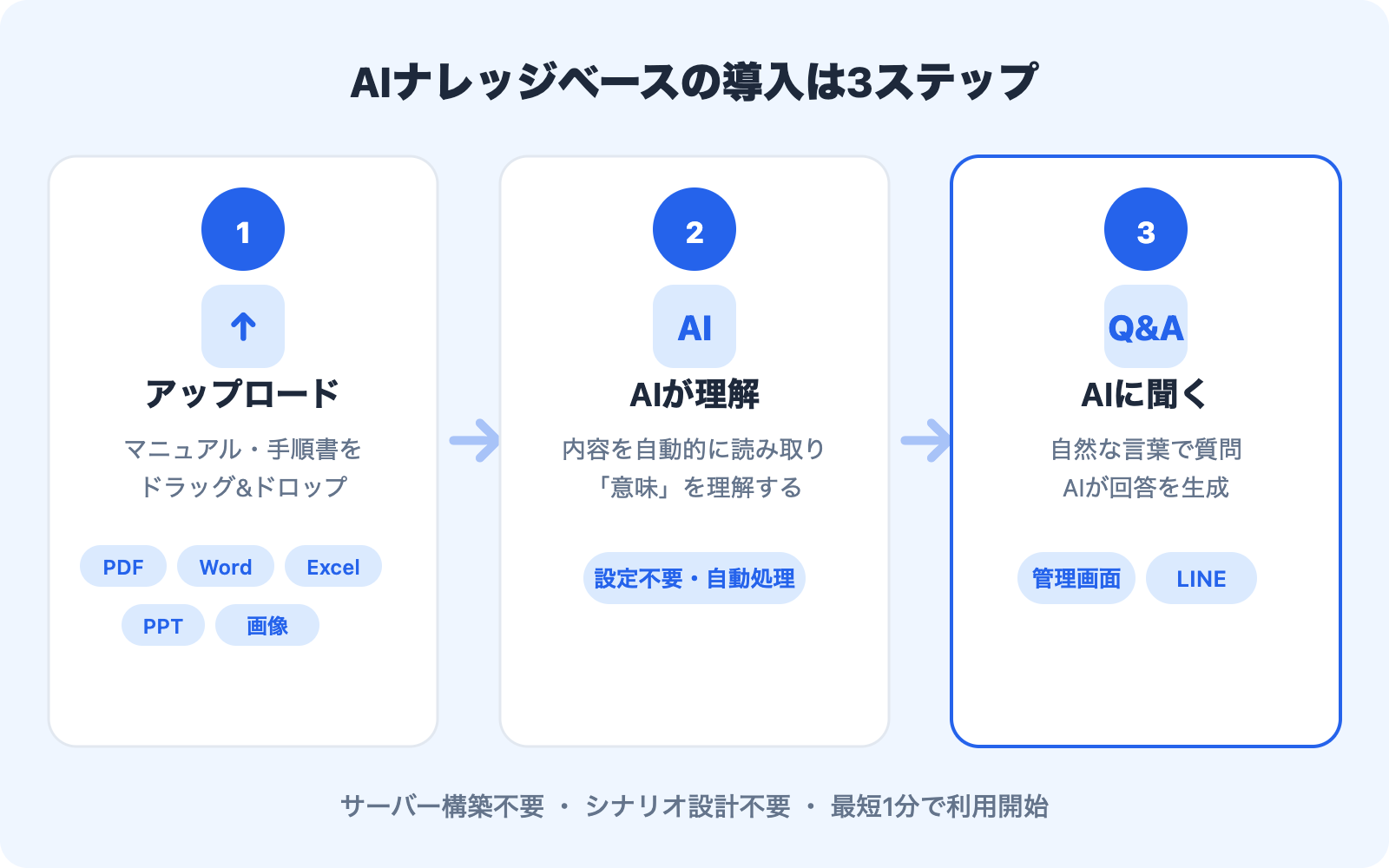
Step 1: Upload Your Existing Documents
No need to rewrite anything from scratch. Simply upload the manuals, procedures, policy documents, and meeting notes you already have. Common file formats like PDF, Word, Excel, and PowerPoint are all supported.
Step 2: Let AI Understand the Content
The AI automatically reads and comprehends the uploaded documents. Because it understands the meaning of text, not just keyword matches, it can surface the right information even when phrasing differs.
For example, if you ask "How do I request paid time off?", it can correctly return information from a document titled "Annual Leave Application Procedure."
Step 3: Ask Questions in Plain Language
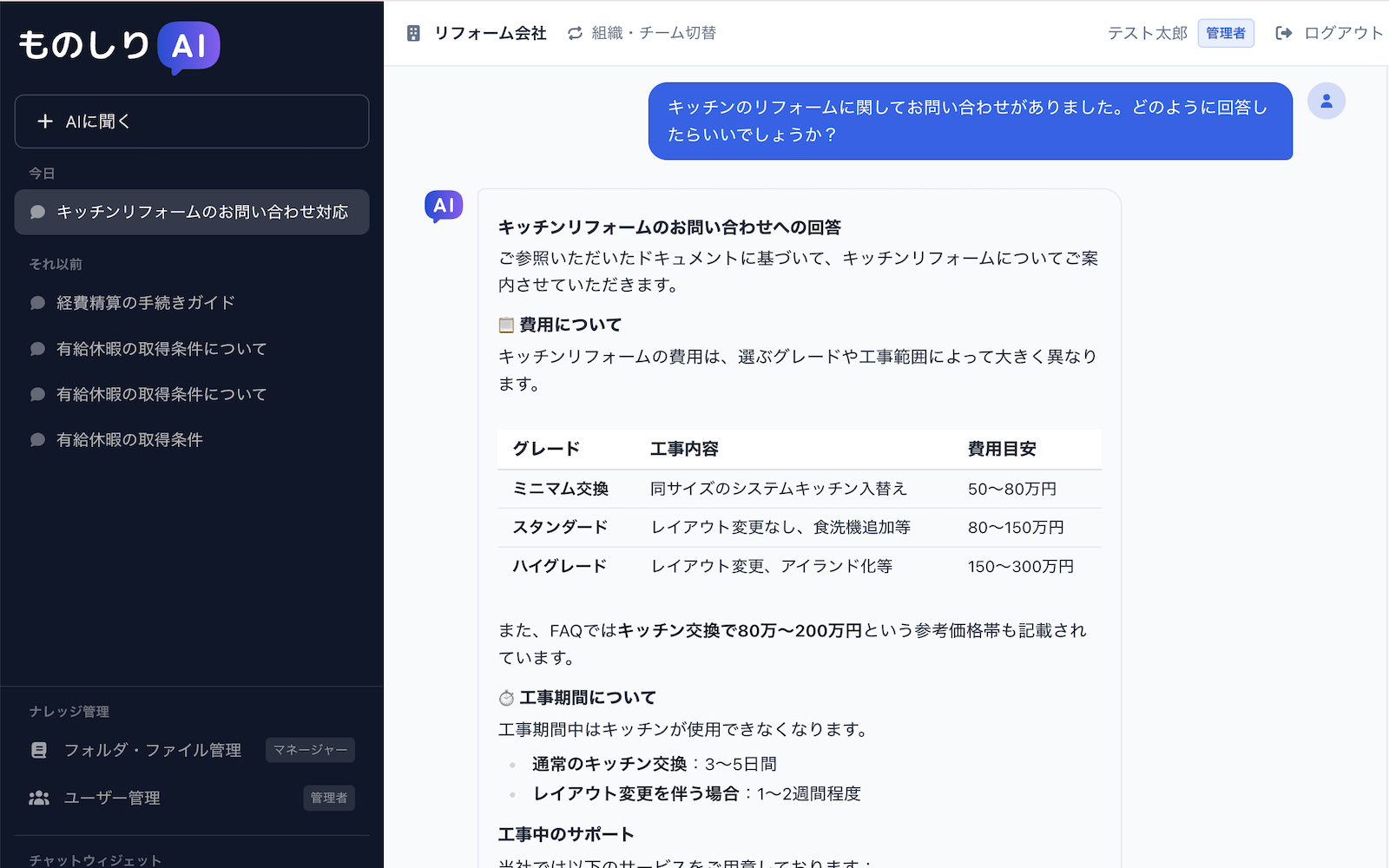
Once your documents are uploaded, simply ask a question in everyday language -- through the dashboard or via LINE. The AI searches your documents and delivers a clear, concise answer.
Instead of "ask Mike," your team can just "ask AI."
Three Tips to Make Adoption Easy
"Deploying a knowledge base" might sound like a big undertaking. But modern AI knowledge bases have dramatically lowered the barrier to entry.
1. No Server Setup Required
Because it's delivered as a cloud service, you don't need to provision any infrastructure. Just open your browser and get started.
2. No Conversation Design Required
Unlike traditional chatbots that need "if this question, then this answer" rules configured one by one, an AI knowledge base understands your documents automatically once they're uploaded.
3. Start Small and Scale
You don't have to roll it out company-wide on day one. Start with a single department or workflow, validate the results, and expand from there.
Takeaways
This article covered five warning signs that your organization's knowledge is dangerously siloed:
- "Ask so-and-so" is the default -- Knowledge access is gated through individuals
- Work stops when a key person is out -- Critical know-how is locked in one head
- The same questions keep repeating -- There's no system to capture and share answers
- Documentation exists but goes unused -- Search and access tools are inadequate
- Onboarding depends on shadowing -- Training quality varies by mentor
If even one of these resonates, it's time to act. Knowledge silos only get harder to break down as an organization grows. With an AI knowledge base, you can leverage the documents you already have and shift your team from "ask a person" to "ask AI."
Share this article
Related Articles

Solving the 'Nobody Reads the Manual' Problem with AI
Discover the three reasons why internal manuals go unread and learn how an AI knowledge base can transform documentation from something employees read to something they ask.
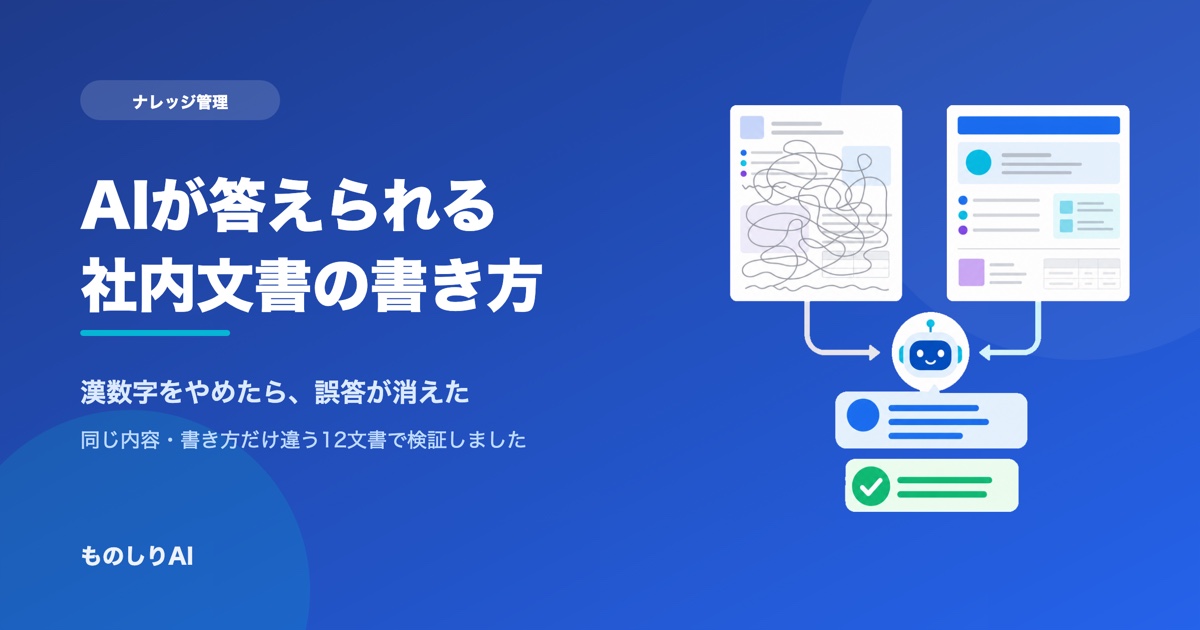
How to Write Internal Documents an AI Can Actually Answer From -- We Tested It, and Spelled-Out Numbers Were the Culprit
How should you write internal manuals and policies so an AI answers correctly? We fed 12 documents with identical facts but different writing styles into a real AI and compared the answers. What determined accuracy was not good prose -- it was number notation and the first line of the document. Here are seven rules, ordered by impact.

How to Make Tacit Knowledge Visible -- What to Do Before Your Veterans Leave
Learn how to convert the tacit knowledge that disappears when veteran employees retire into explicit, documented assets for your organization, explained in three actionable steps.