
"Where was that document again?" This question gets repeated countless times a day within organizations. You search the file server or groupware, but the results aren't what you expected. You try different keywords over and over, and eventually just message a colleague who might know. This time spent hunting for information is quietly eroding knowledge worker productivity.
This article explains the structural limitations of traditional keyword search and introduces the new "ask a question" approach to information access powered by AI -- in terms that non-engineers can easily understand.
The Limits of Keyword Search -- Why You "Can't Find It"
Almost everyone has struggled with searching for information at work. In most cases, the root cause is the structural limitations of keyword search.
1. It can't handle terminology variations
Say you want to look up how to request paid time off. You type "PTO" into the search box, but the company policy uses "annual leave" or "vacation days" -- your search comes up empty. Traditional keyword search returns results based on string matching, so information written with different words -- even if the meaning is the same -- simply won't be found.
2. Searching effectively requires skill
Finding the right information requires the ability to guess which keywords will produce hits. Veteran employees might know "it should be in that folder, in that file," but new hires and mid-career joiners don't have that institutional knowledge. How easily someone can access information ends up depending on individual experience.
3. It can't synthesize information across multiple documents
The answer to "How do I get reimbursed for travel expenses?" might be scattered across an expense policy, a travel regulation, and an accounting department bulletin. Keyword search only lists individual files -- it can't compile information from multiple documents into a single answer.
From "Search" to "Ask" -- A Paradigm Shift Is Underway
AI-powered "asking" is the approach that breaks through these limitations.
Where traditional search meant "type in keywords and receive a list of matching documents," asking AI becomes an experience of "express what you want to know in natural language and receive the answer itself."
Let's compare with specific examples:
| Traditional Keyword Search | Asking AI |
|---|---|
| Search for "PTO" -- documents containing "annual leave" don't appear | "How do I take time off?" -- all relevant leave information is compiled into one answer |
| Search for "expense travel" -- 10 potentially relevant files appear | "What's the process for travel expense reimbursement?" -- step-by-step instructions are provided |
| Search for "security rules" -- wade through a mountain of files manually | "What security precautions should I take while working remotely?" -- key points are organized and returned |
The fundamental shift is that what the user needs to figure out changes from "guessing the right keywords" to "simply stating what they want to know."
Semantic Search -- How AI Understands "Meaning"
How does AI determine that "PTO" and "annual leave" mean the same thing? The technology behind this is called semantic search.
Where keyword search finds documents by "string matching," semantic search finds documents based on the "meaning" of language.
Here's a simplified explanation of how it works in three steps:
Step 1: Convert documents into "meaning coordinates"
When internal documents are fed into the AI, each document's content is converted into an array of hundreds of numerical values (a vector). Documents with similar meanings are placed close together in this numerical space. For example, "PTO" and "annual leave" have different character strings but similar meanings, so they're mapped to nearby coordinates.
Step 2: Convert the question into the same coordinates
When a user types "How do I take time off?", this question is also converted into a vector using the same method.
Step 3: Find semantically similar documents
The question's vector is compared against the pre-computed document vectors to quickly find semantically similar documents. Even without an exact string match, if the meaning is close, it's a hit. This is the essence of semantic search.
RAG -- How AI Answers "Based on Your Company's Information"
After semantic search identifies relevant documents, how does AI generate a natural-language response? This is where RAG (Retrieval-Augmented Generation) comes in.
In a nutshell, RAG is a framework where "AI generates answers based on information found through search."
If AI relies solely on its training data, there's a risk of returning outdated or inaccurate information. With RAG, the system first retrieves relevant information from internal documents via semantic search, then passes that information to the AI as "reference material." The AI constructs its response based on these references, enabling accurate answers grounded in your organization's latest information.
In other words, RAG is a mechanism for answering with "your company's knowledge" rather than "the AI's knowledge."
The Barrier to Entry Is Lower Than You'd Think
"Semantic search and RAG sound great, but implementation seems difficult for us." You might feel that way. However, in recent years, SaaS products that make these technologies readily accessible have emerged.
Getting started essentially requires just three things:
- Upload your internal documents -- Register PDFs, Word files, wiki content, and more with the service
- AI vectorizes automatically -- Uploaded documents are automatically processed for semantic search
- Ask questions and get answers -- Employees simply ask in natural language through a chat interface
No specialized AI expertise or infrastructure setup is needed. Since you can leverage existing internal documents as-is, there's no need to build a FAQ from scratch.
For a detailed comparison of knowledge base services, visit the comparison page. To learn about specific features powered by semantic search and RAG, check out the features page.
Summary -- Toward an Organization That Doesn't Depend on "Search Skills"
Traditional keyword search was a system where only those who could guess the right keywords could find information. With the advent of semantic search and RAG, an era has arrived where anyone can get the information they need simply by asking in natural language.
This change isn't just a tool upgrade -- it's a paradigm shift in organizational information access. Moving from an organization that relies on "people who are good at searching" to one where everyone can access information at the same level. That is the fundamental value of the shift from "search" to "ask."
Share this article
Related Articles
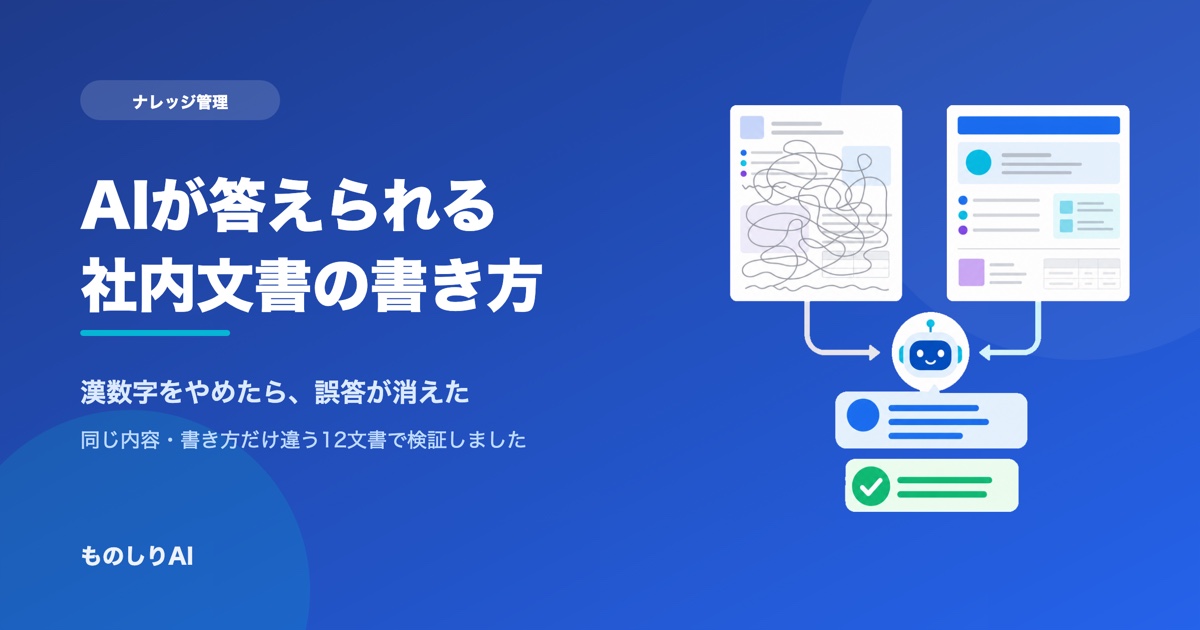
How to Write Internal Documents an AI Can Actually Answer From -- We Tested It, and Spelled-Out Numbers Were the Culprit
How should you write internal manuals and policies so an AI answers correctly? We fed 12 documents with identical facts but different writing styles into a real AI and compared the answers. What determined accuracy was not good prose -- it was number notation and the first line of the document. Here are seven rules, ordered by impact.
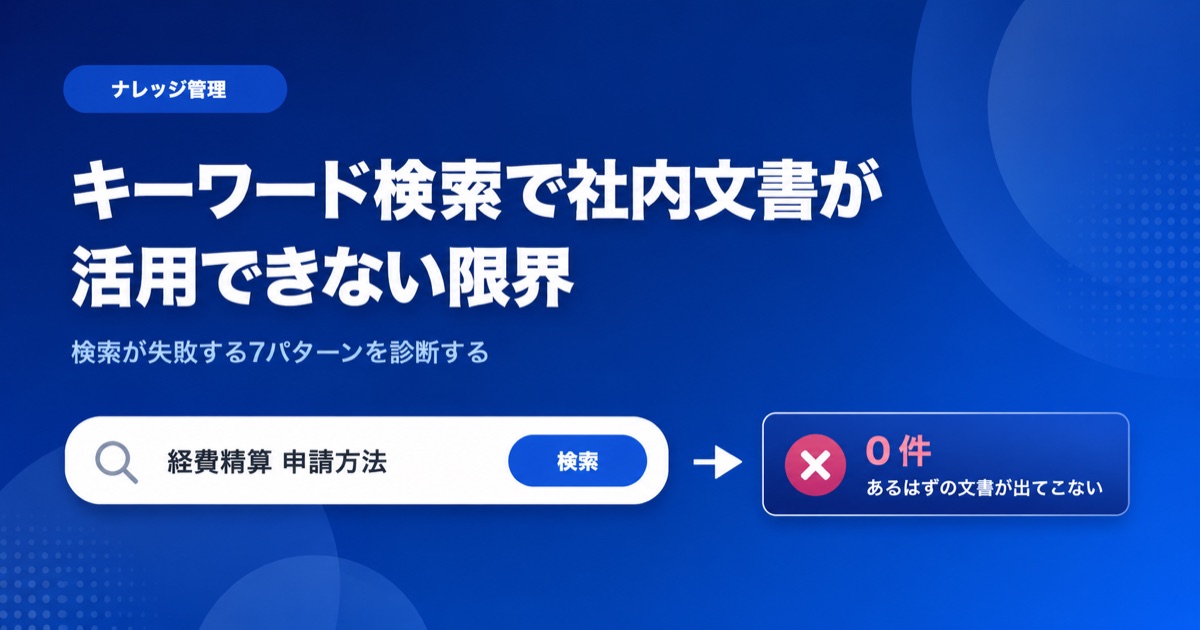
Can't Find Your Internal Documents? 7 Reasons Keyword Search Fails (and Fixes)
'I search and the document never comes up.' We sort the causes into 7 patterns you can diagnose: wording mismatches, scanned PDFs, acronyms and more, why full-text search AI still falls short, and what to do next.
Solving the 'Nobody Reads the Manual' Problem with AI
Discover the three reasons why internal manuals go unread and learn how an AI knowledge base can transform documentation from something employees read to something they ask.