
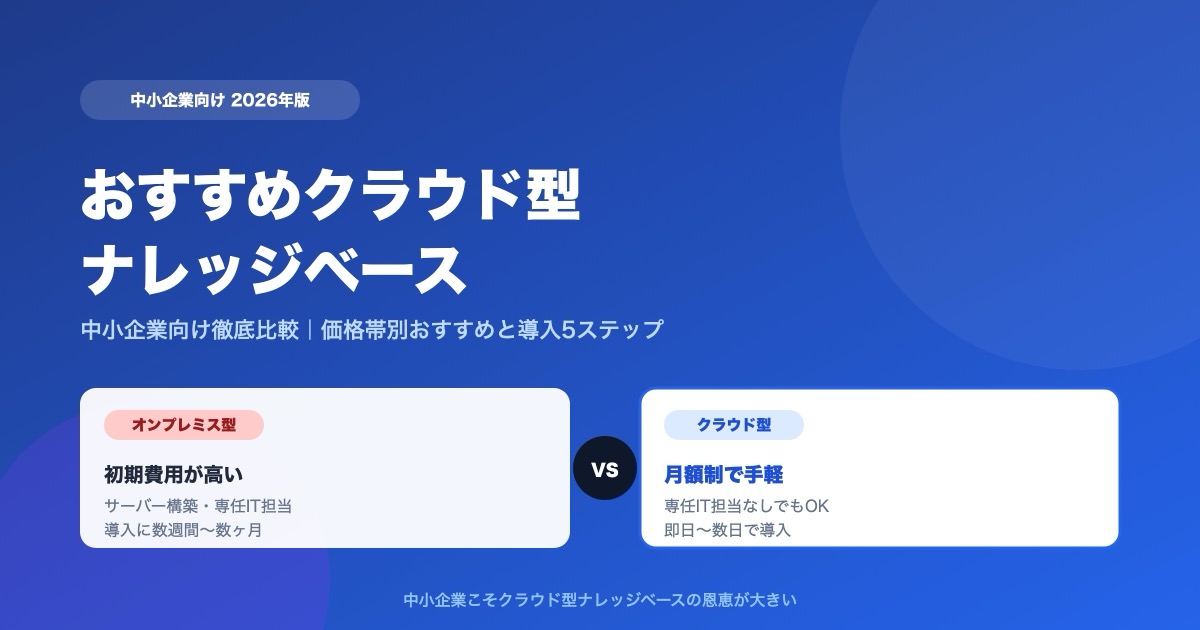
"Our company's information is scattered everywhere, and every time we waste time hunting for it." "Questions pile up on our veteran staff, and work grinds to a halt." Small and midsize businesses, working with limited headcount, tend to carry exactly these problems.
The solution drawing attention is the cloud knowledge base. No server to build, and a growing number of services start at just a few thousand yen a month. This article explains what small and midsize businesses should look for when choosing a cloud knowledge base -- based on the latest 2026 information, with recommendations by price tier and a comparison table.
What You'll Learn
- The benefits of cloud knowledge bases (how they differ from on-premises)
- Selection points unique to small and midsize businesses
- Recommended types by price tier
- A comparison table of major cloud knowledge bases
- A 5-step rollout you won't regret
For a detailed comparison of tools by type, see Internal Wiki & Knowledge Management Tools Compared (2026); for a comprehensive selection checklist, see 7 Comparison Points You Won't Regret. This article digs specifically into "small/midsize business x cloud."
The Benefits of a Cloud Knowledge Base
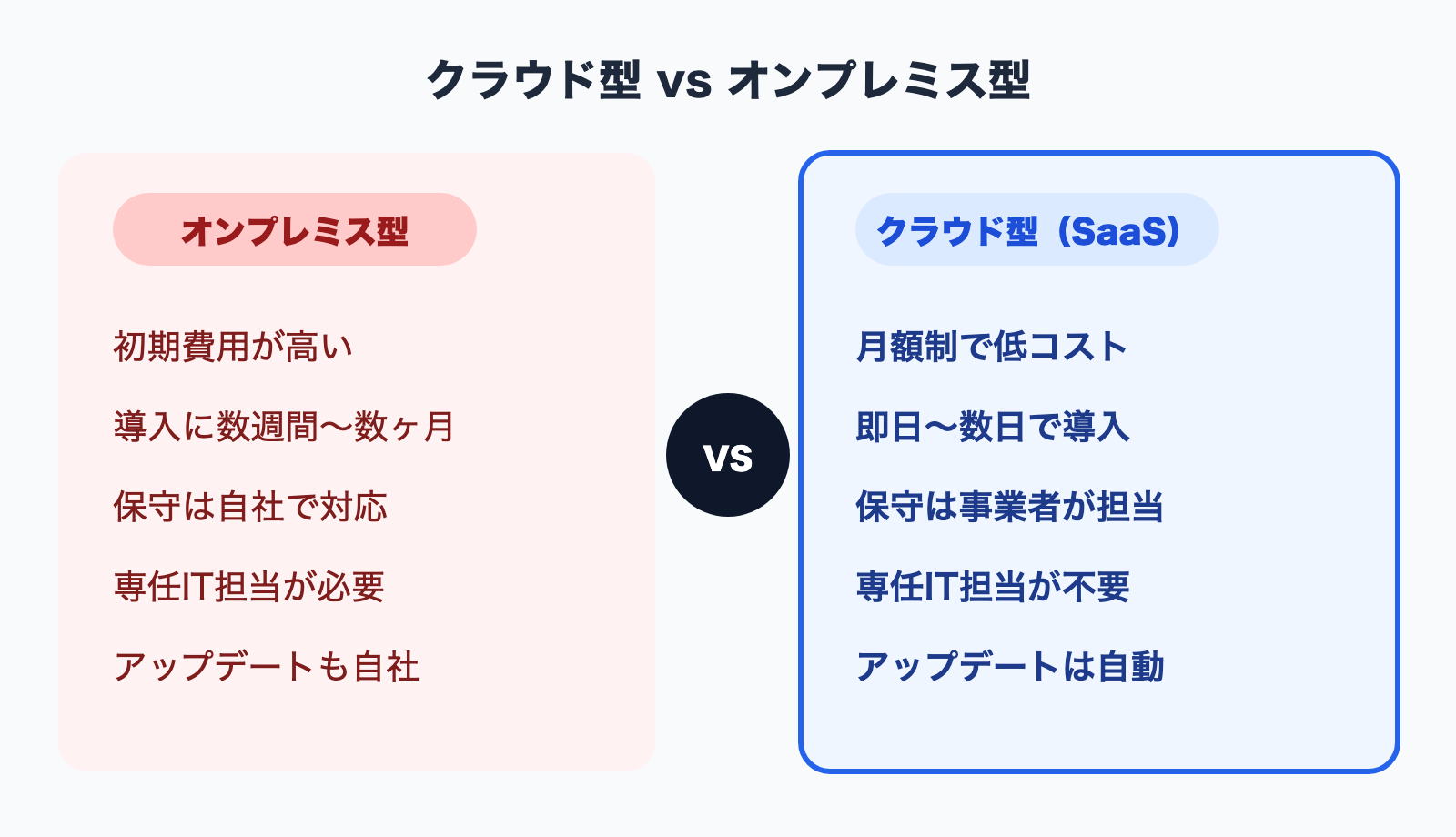
Knowledge bases come in two forms: "on-premises," built on your own servers, and "cloud (SaaS)," which uses the provider's servers. For the following reasons, cloud is the better fit for small and midsize businesses.
| Comparison item | Cloud (SaaS) | On-premises |
|---|---|---|
| Upfront cost | Low (mostly monthly) | High (servers, build-out) |
| Speed of adoption | Fast (same day to a few days) | Slow (weeks to months) |
| Maintenance & operations | Handled by the provider | Handled in-house |
| Updates | Automatic | Handled in-house |
| Dedicated IT staff | Often unnecessary | Required |
The biggest benefit is that you can get started even without a dedicated IT person. There's no need to procure or build servers -- the very day you sign up, you can start uploading documents and using it.
On top of that, because the provider handles updates and security, the operational burden is small and costs are easy to predict on a monthly basis. If you pick a service that can accommodate growth within your plan as headcount rises, you can scale comfortably along with the organization.
Selection Points for Small and Midsize Businesses
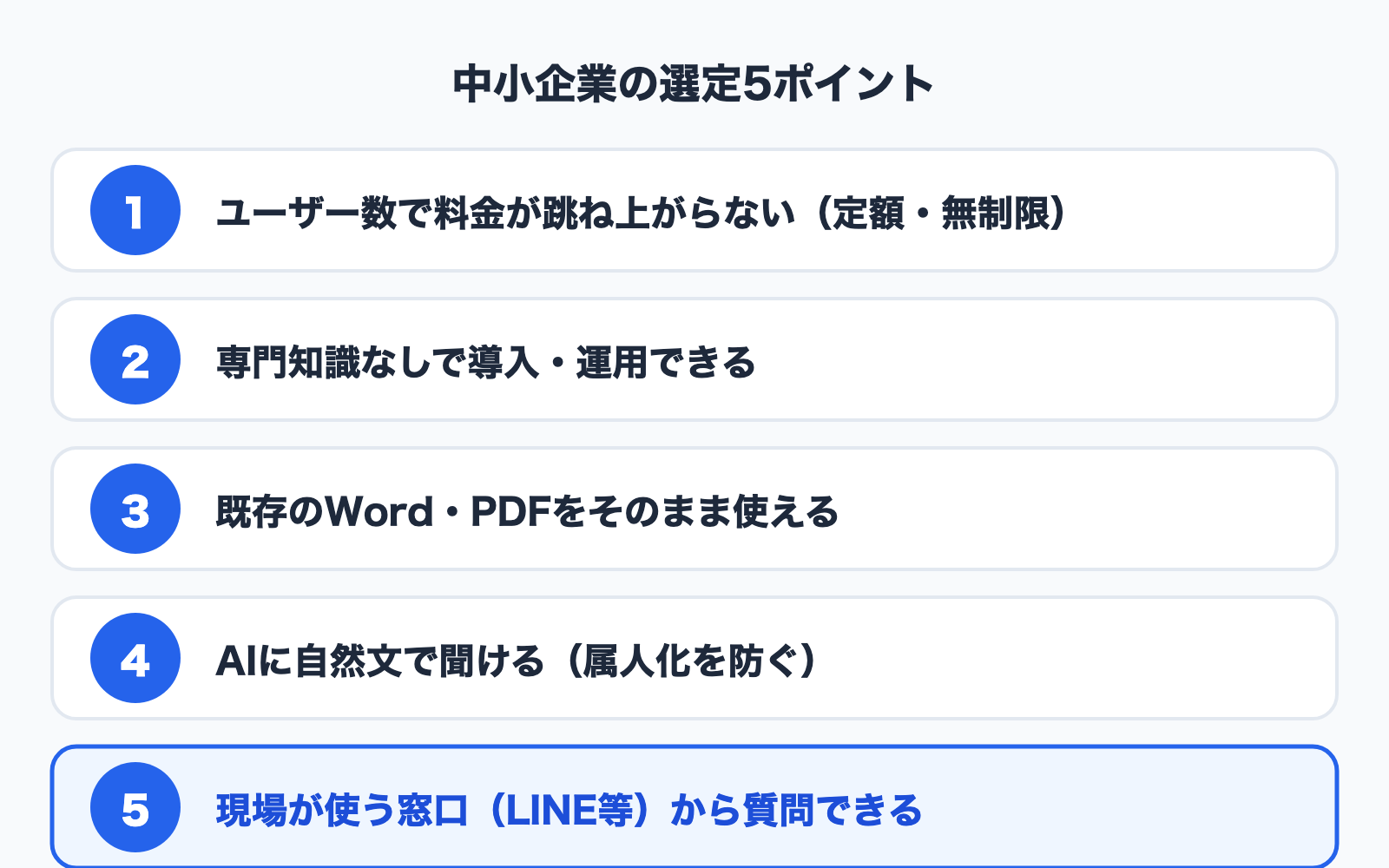
Applying an enterprise-style approach as-is leads to a mismatch for smaller companies. To choose a tool that "keeps getting used" with limited people and budget, prioritize these five points.
Point 1: Does cost spike with user count?
Per-user tools balloon in cost the moment you roll out company-wide. If the premise is "everyone uses it," a service with an unlimited-user flat-rate plan makes it easier to keep total cost down.
Point 2: Can you adopt and operate it without specialized knowledge?
Tools that require engineer-led initial setup stall in organizations without dedicated IT staff. The ideal is simplicity where you can use it "just by uploading documents."
Point 3: Can you use your existing documents as-is?
If you can ingest your existing work rules, manuals, and FAQs as Word or PDF, you skip the effort of rewriting them as new articles. That dramatically lowers the barrier to adoption.
Point 4: Can you ask the AI in plain language?
The smaller the company, the more questions tend to concentrate on "the person who knows." When the AI answers based on the documents, you prevent dependence on individuals and lighten the load on veteran staff. We explain how AI search works in What Is Semantic Search?.
Point 5: Can you ask from the tools your front line uses?
If you have many frontline staff away from their desks or salespeople on the road, usage sticks when they can ask from a smartphone via LINE and the like.
Recommended Types by Price Tier
The realistic options change with your budget. Here's how to think about it by price tier, matched to the scale of a small or midsize business.
Free to 3,000 yen/month: want to try it first, or a small team
Tools you can start from a free plan or a plan around 3,000 yen are the sweet spot. In this tier, choosing an AI search tool where you "just upload" lets you test the impact while keeping your initial investment low. With an unlimited-user service, even a small team can have everyone on it.
3,000 to 10,000 yen/month: the on-ramp from departmental to company-wide
This is the phase where you want to separate information by department across multiple folders, and increase your monthly usage volume. A flat-rate, unlimited-user plan keeps costs predictable even as you expand company-wide.
10,000 yen/month and up: serious operation as the company's core knowledge
This is the stage of widening the scope of use -- automating inquiry handling, embedding chat on your website, and so on. Plans with high usage volume, or plans that include an external-facing FAQ bot, become the options.
What's common across every price tier is this: avoid tools where per-user pricing has no ceiling. Headcount is hard to predict at smaller companies, so flat-rate pricing is the safer bet.
Comparison Table of Major Cloud Knowledge Bases (2026 Edition)
From the small/midsize business perspective, here are representative cloud services. Pricing and features are based on publicly available information as of June 2026. Confirm the latest details on each official website.
| Tool | Type | AI search | Pricing approach | Origin | Fit for SMBs |
|---|---|---|---|---|---|
| Notion | Wiki + document | Notion AI (paid) | Per-user | Overseas | Flexible, but cost rises with headcount |
| Confluence | Internal wiki | Available via add-on | Per-user | Overseas | Powerful, but operational burden runs high |
| esa / Kibela | Internal wiki | Limited | Per-user | Japan-made | Strong as a Japanese-language wiki |
| Monoshiri AI | AI search | Built-in | Flat-rate, unlimited users | Japan-made | Upload-only, flat-rate company-wide |
- Each tool's features and pricing are subject to change. Always confirm on the official website and via a free trial before adopting.
For small and midsize businesses, the dividing line is whether you have a culture of writing and organizing articles. If a writing culture has taken root, a wiki suits you; if the problem is "we have existing documents but can't find or read them," AI search is the better fit.
For example, Monoshiri AI is an AI search tool: from 2,980 yen/month with unlimited users, and you can use it just by uploading your existing Word/PDF files as-is. It's designed to be easy to start even for organizations without dedicated IT staff. If you want to know how it differs from general-purpose AI (ChatGPT, Notion AI, and the like), see 6 Internal AI Tools Compared.
A 5-Step Rollout You Won't Regret
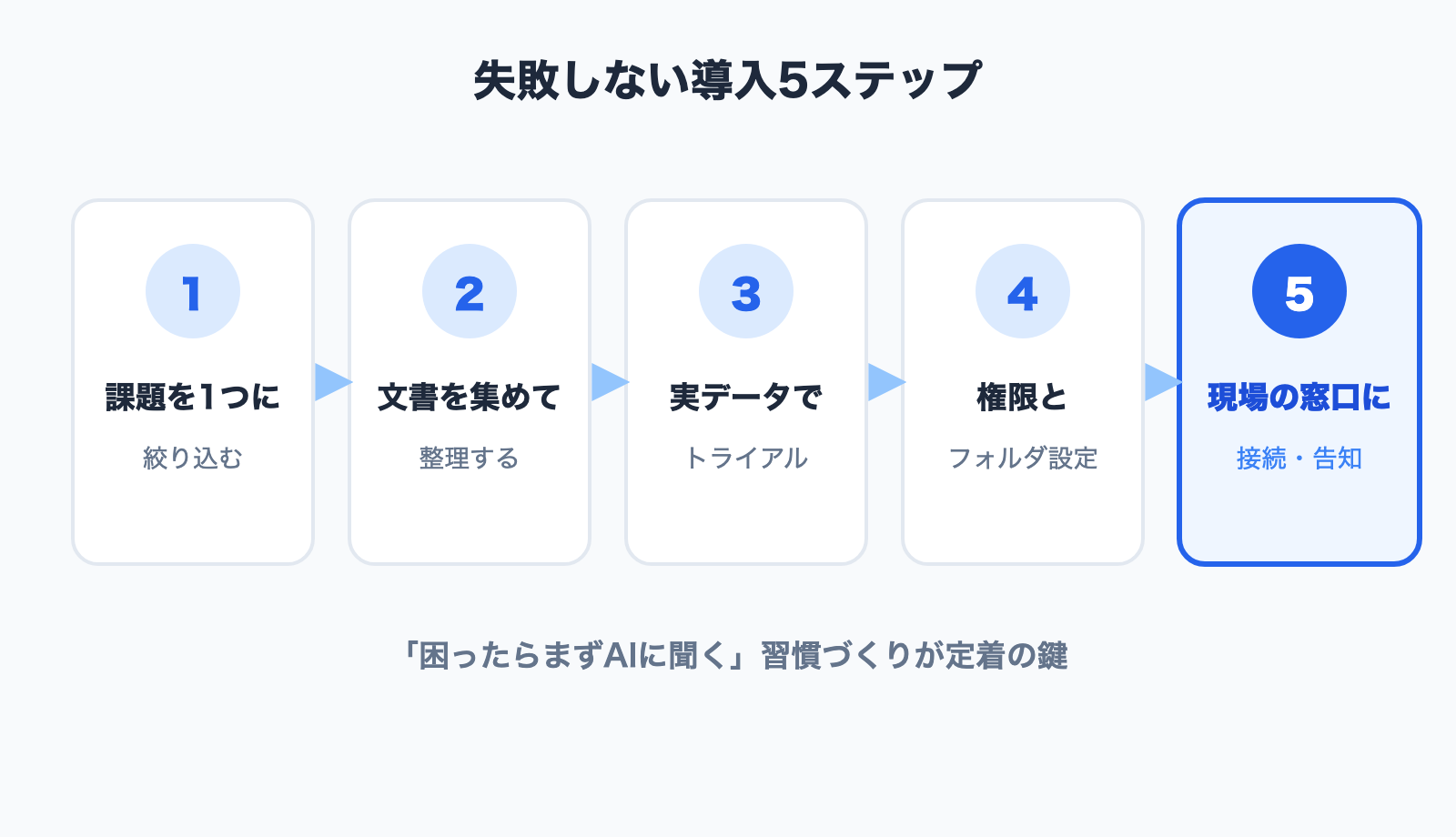
Once you've picked a tool, a rollout that keeps adoption in view is what matters. Here are five steps that are easy to put into practice even at a small or midsize business.
Step 1: Narrow to a single problem you want to solve
Aiming to "solve everything at once" derails the effort. Start by narrowing to one thing -- "reduce questions from new hires," or "automate inquiries about the work rules."
Step 2: Gather and organize the target documents
Choose the documents to ingest first. Starting with documents tied to frequently asked questions (manuals, FAQs, policies) makes the impact easier to see.
Step 3: Test with real data on a free plan or trial
Rather than samples, ingest your own real documents and throw the questions that come up often on the front line at it to check answer accuracy. The key is to test with multiple people.
Step 4: Decide permissions and folder structure
Sort out which information may be shown by department, and set access permissions at the folder level. Lock down the handling of confidential information at this stage.
Step 5: Connect to the access point your front line uses, and announce it
Make it possible to ask from the channels employees use every day -- LINE, web chat, and so on -- and spread the word on how to use it. Building the habit of "when in doubt, ask the AI first" is the key to adoption.
For how to proceed in the first 30 days after adoption, see What to Do in the First 30 Days of a Knowledge Base Rollout; for common questions, see the FAQ. To discuss your specific requirements, reach out via Contact; if you want to try it first, you can start from the free plan.
Summary
We've laid out how small and midsize businesses should choose a cloud knowledge base.
- Benefits of cloud: low upfront cost, fast to adopt, maintenance left to the provider -- you can start even without dedicated IT staff
- Five SMB selection points: unlimited-user flat-rate, no specialized knowledge required, use existing documents as-is, ask the AI, ask from the front line's channels
- By price tier: try it first from free to 3,000 yen, roll out company-wide from 3,000 to 10,000 yen, run it seriously above 10,000 yen
- Choose by your problem: if "organizing" is the issue, go wiki; if "can't find / isn't read" is the issue, go AI search
- 5-step rollout: narrow to one problem -> organize documents -> trial with real data -> set permissions -> deploy to the front line
A cloud knowledge base is a tool whose benefits are greatest precisely for small and midsize businesses. Using this article's selection points and rollout steps as a guide, pick the one you can start with comfortably.
As related reading, see Internal Wiki & Knowledge Management Tools Compared (2026) and How to Choose an Internal Knowledge Base -- 7 Comparison Points You Won't Regret.
Share this article
Related Articles
![How to Choose an Internal Knowledge Base -- 7 Comparison Points You Can't Afford to Miss [2026 Edition]](/blog/knowledge-base-comparison-2026/header.jpg)
How to Choose an Internal Knowledge Base -- 7 Comparison Points You Can't Afford to Miss [2026 Edition]
A practical guide to choosing the right knowledge base for your company. Covers seven evaluation criteria -- from pricing models and security to integrations -- that also double as material for internal approval documents.
10 WordPress Chatbot Plugins Compared (2026): Choosing by API Key Requirements
A comparison of 10 WordPress chatbot plugins based on public WordPress.org data. We break them down by whether you need your own API key, whether the AI can answer from your own documents, language support, and what 'free' actually covers.
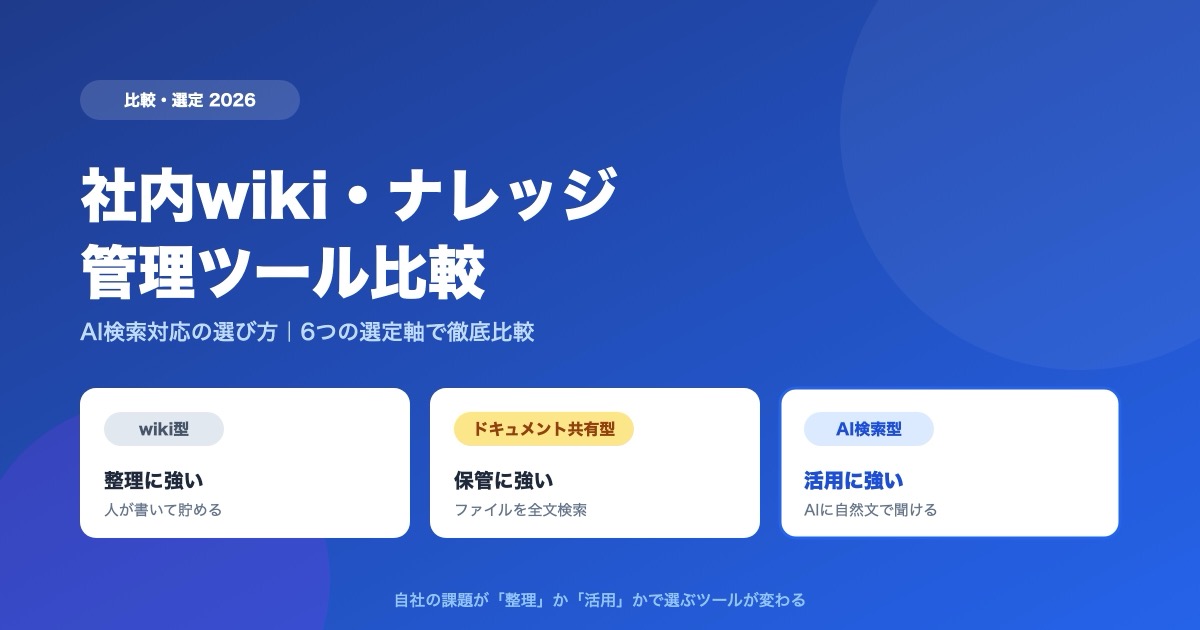
Internal Wiki & Knowledge Management Tools Compared (2026): How to Choose for AI Search
A 2026 comparison of internal wikis and knowledge management tools. Use six selection criteria for AI knowledge bases (answer accuracy, pricing, access control, ease of adoption, Japanese-language accuracy, integrations) and a side-by-side comparison table to find the right fit.

![Dify vs Monoshiri AI -- Choosing the Right Internal Knowledge AI for Your Team [2026 Edition]](/blog/dify-vs-monoshiri/header.jpg)

![Enterprise AI Tool Selection Guide -- ChatGPT, Gemini, Claude, NotebookLM, Notion AI, and Monoshiri AI Compared [2026 Edition]](/blog/ai-tools-comparison-2026/header.jpg)